I just discovered this converter and am already in love with this thing:
“Use the intuitive wizard-driven interface of VMware Converter to convert your physical machines to virtual machines. VMware Converter quickly converts Microsoft Windows based physical machines and third party image formats to VMware virtual machines. It also converts virtual machines between VMware platforms. Automate and simplify physical to virtual machine conversions as well as conversions between virtual machine formats with VMware Converter.”
There's an option to choose version 4.5/5.0 or version 6/0. Once you have converted you can use the VMWare player (which is free).
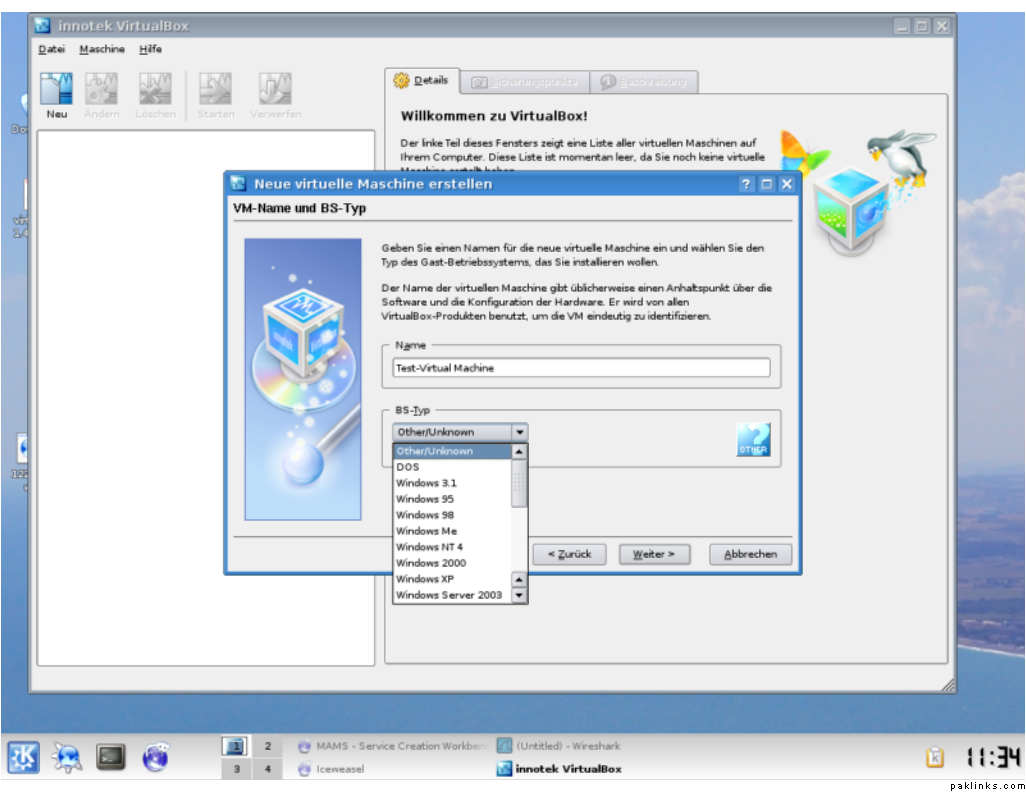
I have yet to try Parallels, my mac-mini has been giving me a hard time. VirtualBox is another one I heard about but haven't tried, too much work to create images to just test the software. I guess i can use the live linux cd's.
There's an option to choose version 4.5/5.0 or version 6/0. Once you have converted you can use the VMWare player (which is free).
I have yet to try Parallels, my mac-mini has been giving me a hard time. VirtualBox is another one I heard about but haven't tried, too much work to create images to just test the software. I guess i can use the live linux cd's.
OK, that reminds me that once a colleague gave me an image and asked me to open it with VMWare player under Windows.
About the Parallels on Mac-mini, is this Intel based?
And yeah, I can tell you about my own experiment with Virtual Box. Installed on Debian machine and it worked fine. Although Windows Vista in a VM is a real P.I.T.A.
From the interface it is much like the older versions of VMWare.
Which Linux Live CD are you talking about? Knoppix?
There's tons of live linux distros out there, someone once pasted a URL which a list of everyone one of them. There's even some Windows based ones, e.g. BartPE etc.
For an over simplified answer, you can switch between many operating systems without needing to reboot the computer. Each VM will act like an independent computer.
So does this put the processor under added pressure?
Will it raise Cpu temps?
How do i install it on Fiesty?
From my personal experience, I would recommend to have at least a dual core2 CPU with at least 2 GB of RAM, if you are planning to run multiple VMs.
And yes, it makes CPU work really hard, :)
Which VM software are you talking about? VMWare, Parallels or Virtual Box? All of them have packages for Debian and hence for Ubuntu too.
All of the above mentioned are VM Software offered by different vendors. The last one "Virtual Box" is open source. The other two are only partially free.
I was actually in the MS corner for years and have tons of server images. Had been thinking of moving to VMWare but didn’t want to bother recreating all those images. Now with the VMWare converter I can convert the VPC images to VMWare. How sweet is that! The only problem is that I can only do Windows images, Linux and Solaris etc don’t convert
How long does it take to convert one average image with this converter? And how do you allocate RAM etc? Are these options provided during the conversion time?