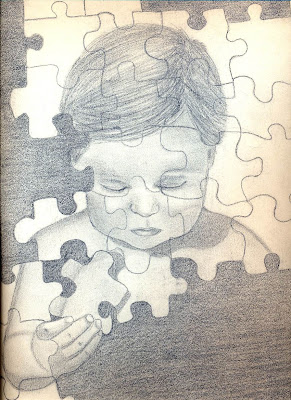
what i did was copy and paste the link from my blog from the option insert image
What you have to do in order for the images to show is save the images that you want to show as JPEG etc, then upload them using any of the following option:
upload it using GS server
*]upload it on another website and use the image tags around it. Using the image tag will make the picture appear in it's full size whereas using the GS server decreases the size of the picture until you click on it.
I must say I am impressed Zara, all the images are beautiful and that image with mother in particular. Do continue to post and keep it up. Hope to see much more from you :k: