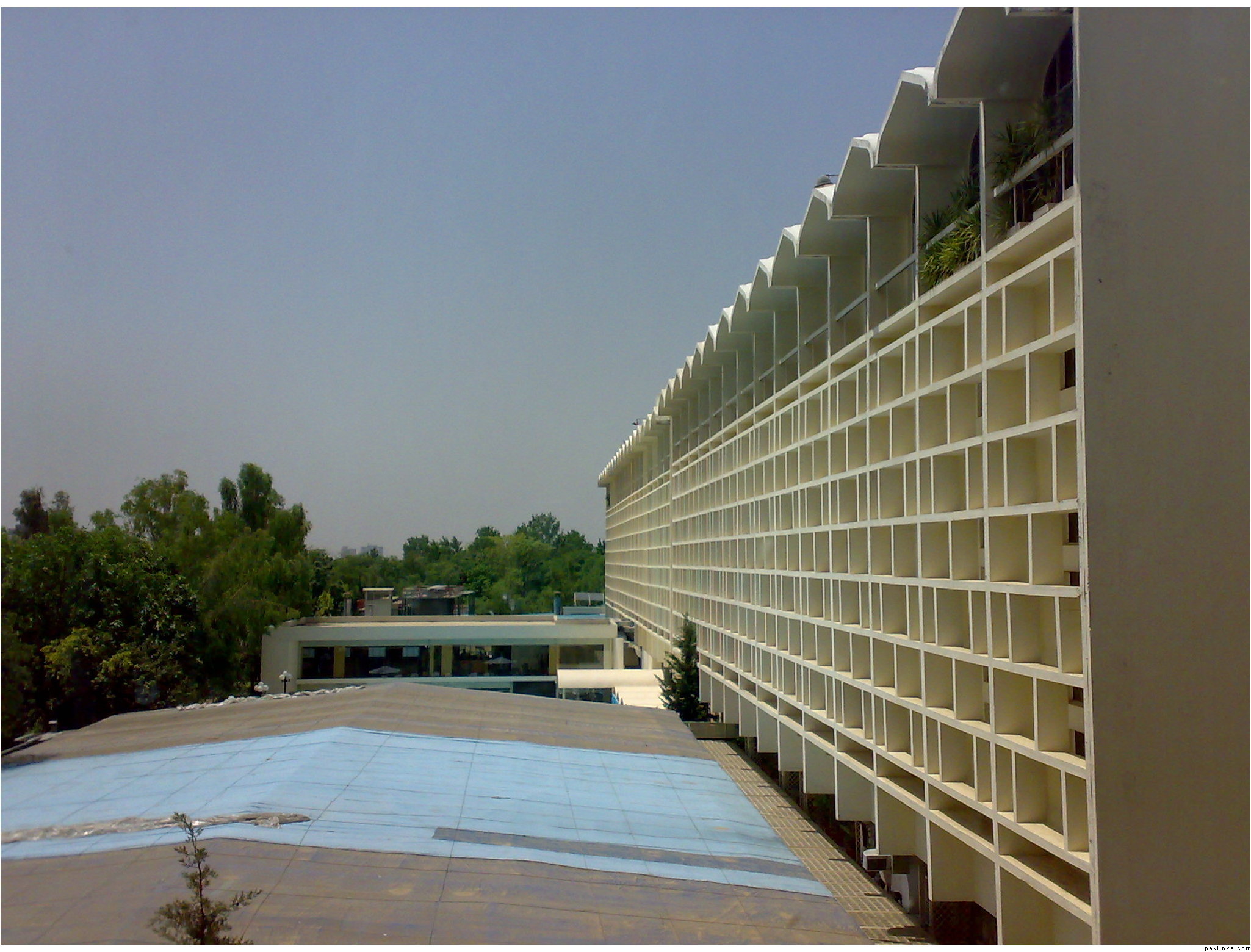
Can someone please tell me how to upload pictures from my computer to the forums?? I am trying but I just dont get it
Thanks for your help
Can someone please tell me how to upload pictures from my computer to the forums?? I am trying but I just dont get it
Thanks for your help

direct link to image upload is not working at the moment. 
its working last day i have posted 10-12 pics 
Re: upload pictures
look in the side bar/quickie bar for image upload. then upload your picture. it should be under 3 KB, and should not have any ascii characters in the name, like $, &, *, ^,. underscores are allowed.