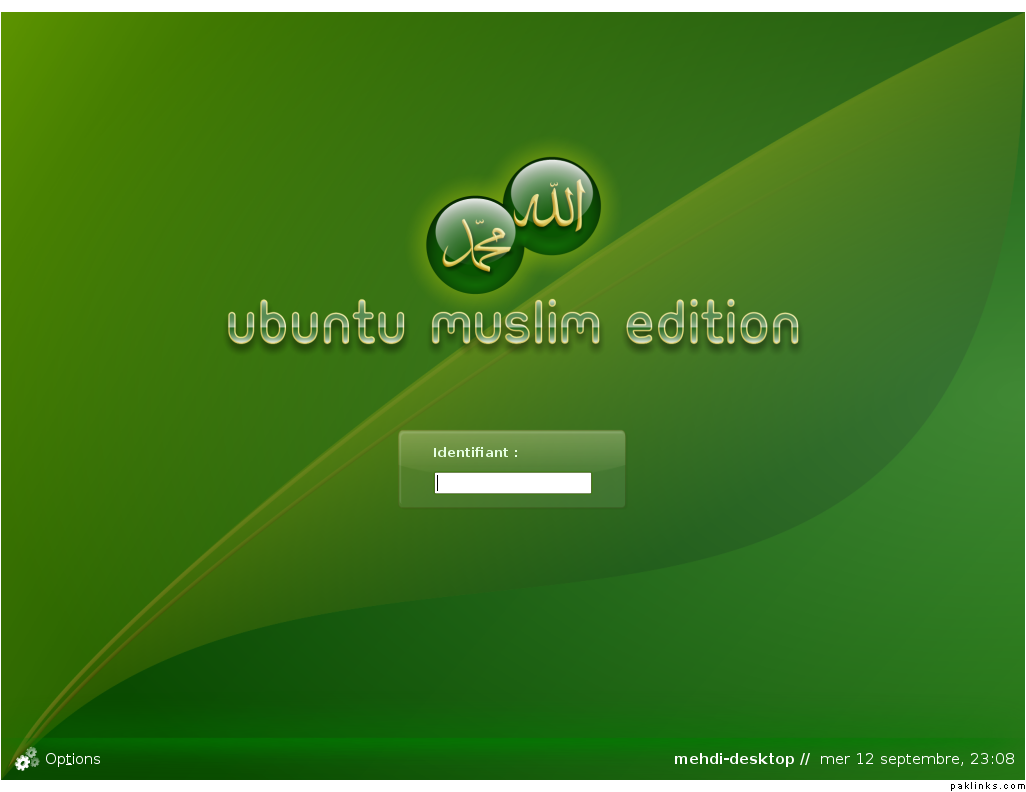
I was pleasantly surprised when I saw this. Read on:
"What is Ubuntu Muslim Edition?
Ubuntu Muslim Edition is a set of packages that customizes the Ubuntu distro by installing islamic software (prayer times, Quran study tool, web content filtering tool etc.) and by changing its design.
Why a “Muslim Edition”?
Ubuntu is a great distro, easy to use for a novice user, with the most-used Office, Internet, Graphics and Video applications already installed but we think that for Muslim users it would be great to have “out of the box” Islamic software and tools installed as well."
2 choices:
1: Create another partition and install Ubuntu in the second partition and dual boot the system, or get a second hard drive
2. Get Virtual PC or VMWare and install Ubuntu in a virtual Machine:
Vmware Workstation: Even though this is not free you can get the evaluation version, create your virtual machine and then you can run it the free VMWare Player.
You can download it form www.ubuntu.com burn it as iso using magic iso or dameon tools (freely available) once done install it on a partition it’s easy just pop in the cd and it’ll boot from it and you can give about 25 gigs to it unless you plan on putting more. Then you can setup comp-fuzion to generate the special effects everyone loves. You can see it in action here…
If you need help and i’ll be able to help you out because I went through hell and finally figured things out.