Re: Thank you
Thought you’d never ask. In the quickie bar on the right hand side of your screen, there is a section called Features. Kinda looks like this:
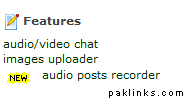
Click on images uploader and it will open up a box that looks like this:
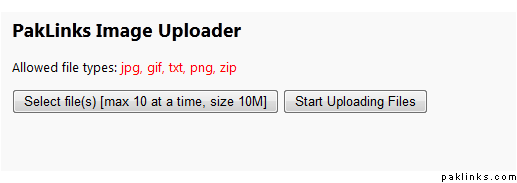
Click on Select files… button and select the file you want to upload. Once you select all the files you want to upload, you will see a box that looks like this:
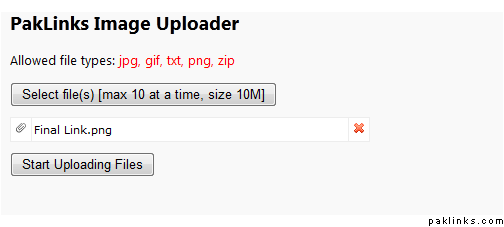
Click on Start Uploading… button. Once it is done uploading, it will show you the shortcuts to the files that were uploaded. Kinda like this:
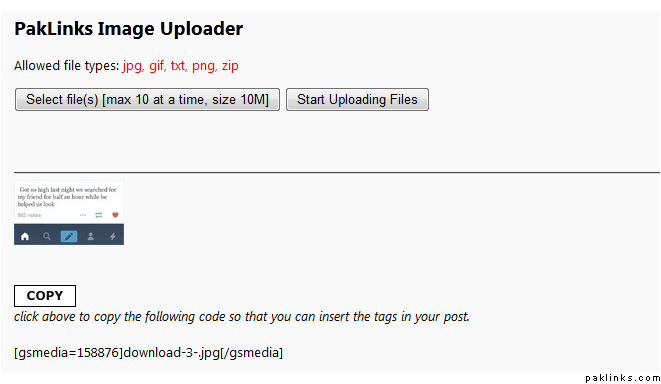
You can click on the copy button or select-copy the [gsmedia…] text and use it anywhere in your post.
That will be $5.00.