Monk
1
koi haat na lagay is thread ko 
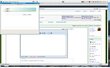
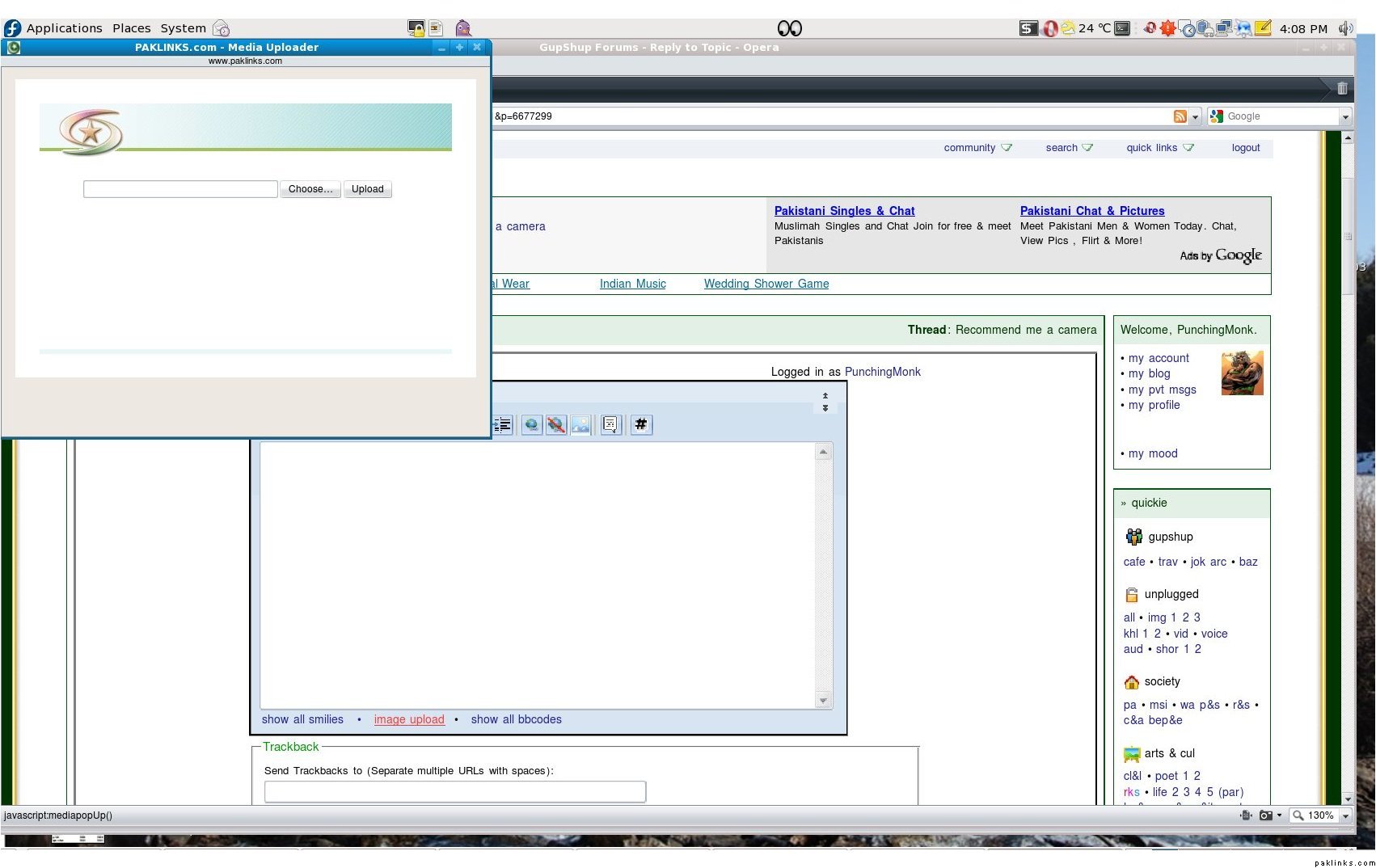
1-Click on upload button..A window would pop up.
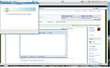
2-In pop up window click on “chose” button.
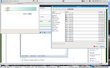
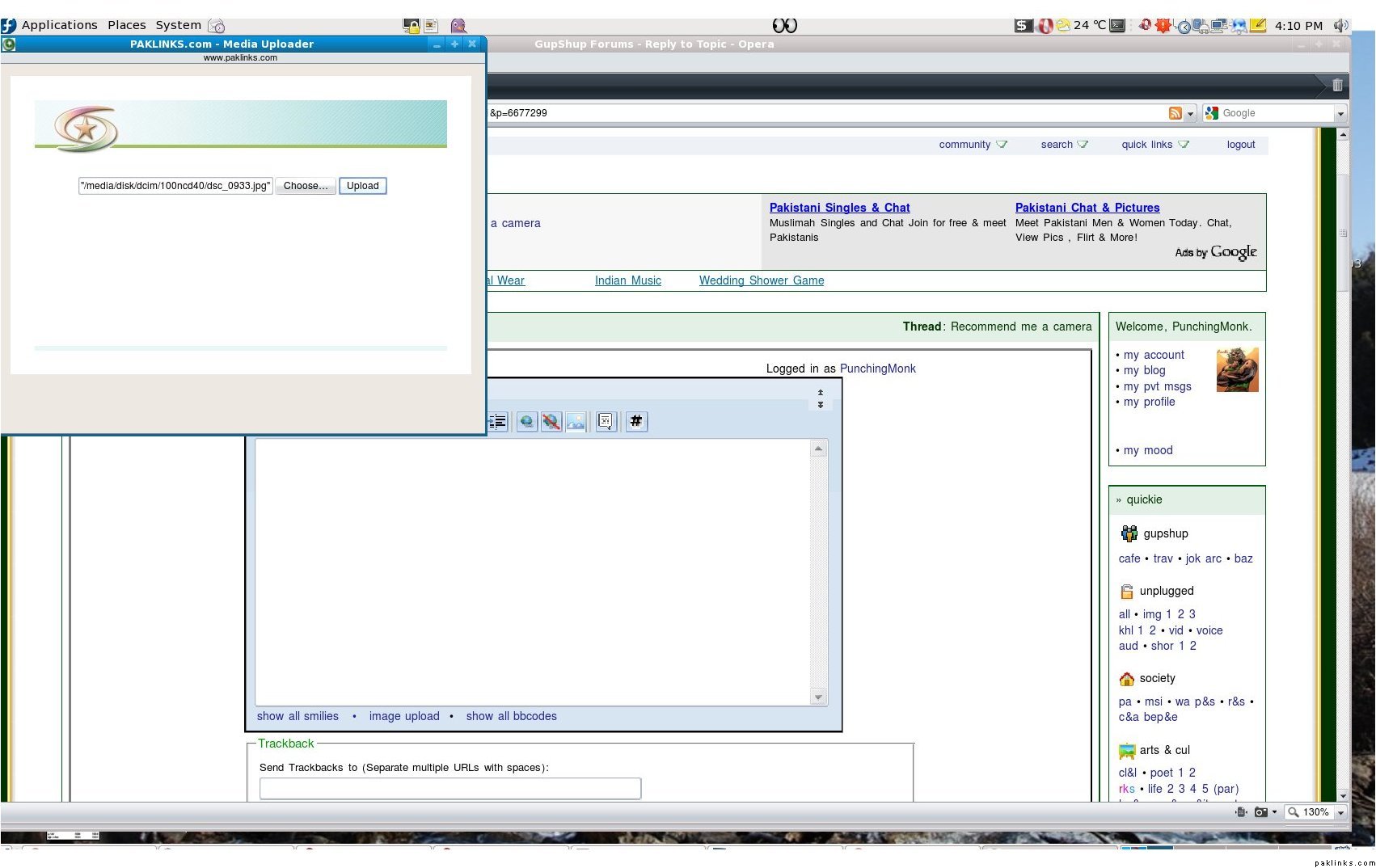
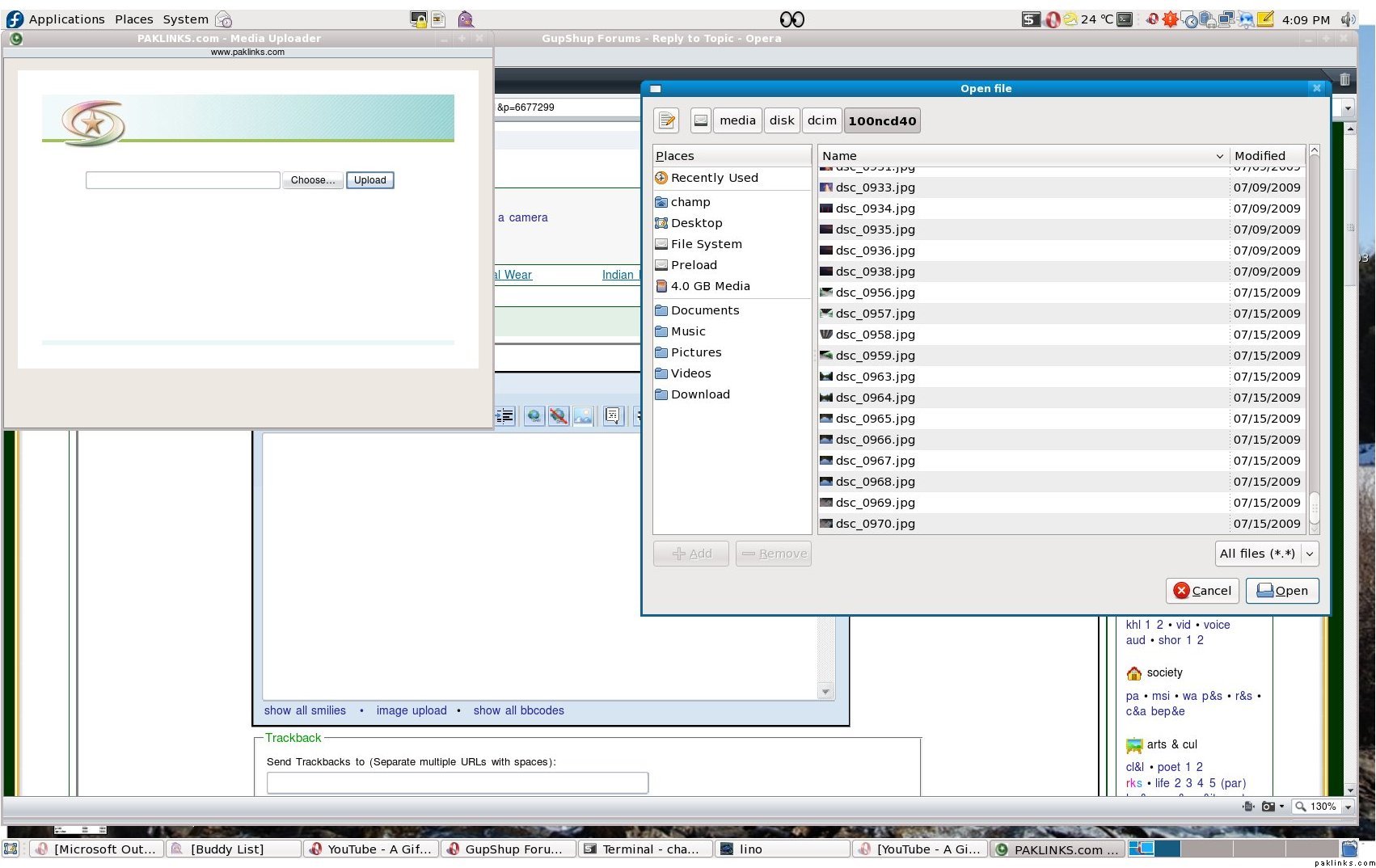
3-select your pic.
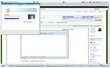
4-Click up load button.
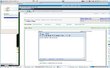
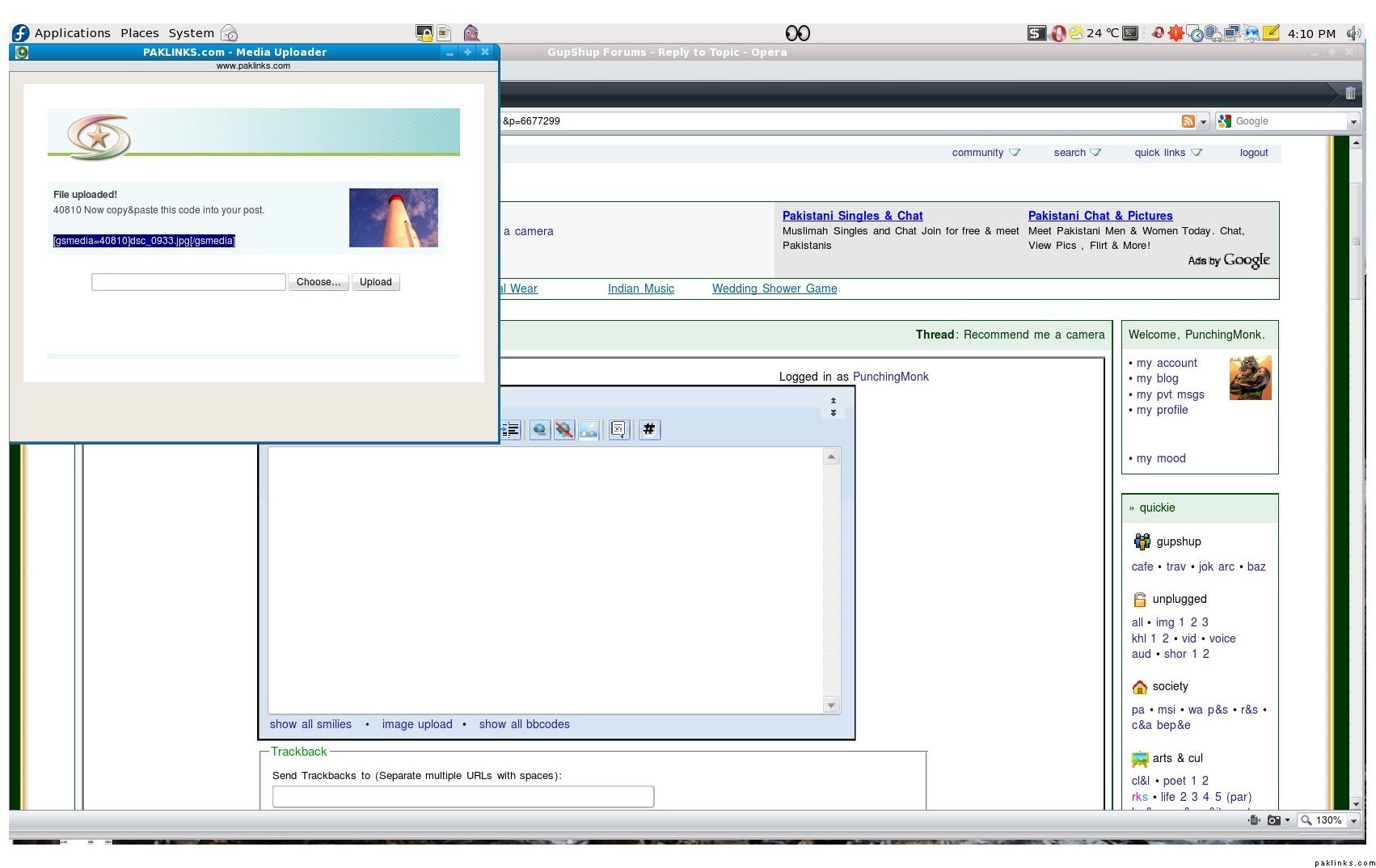
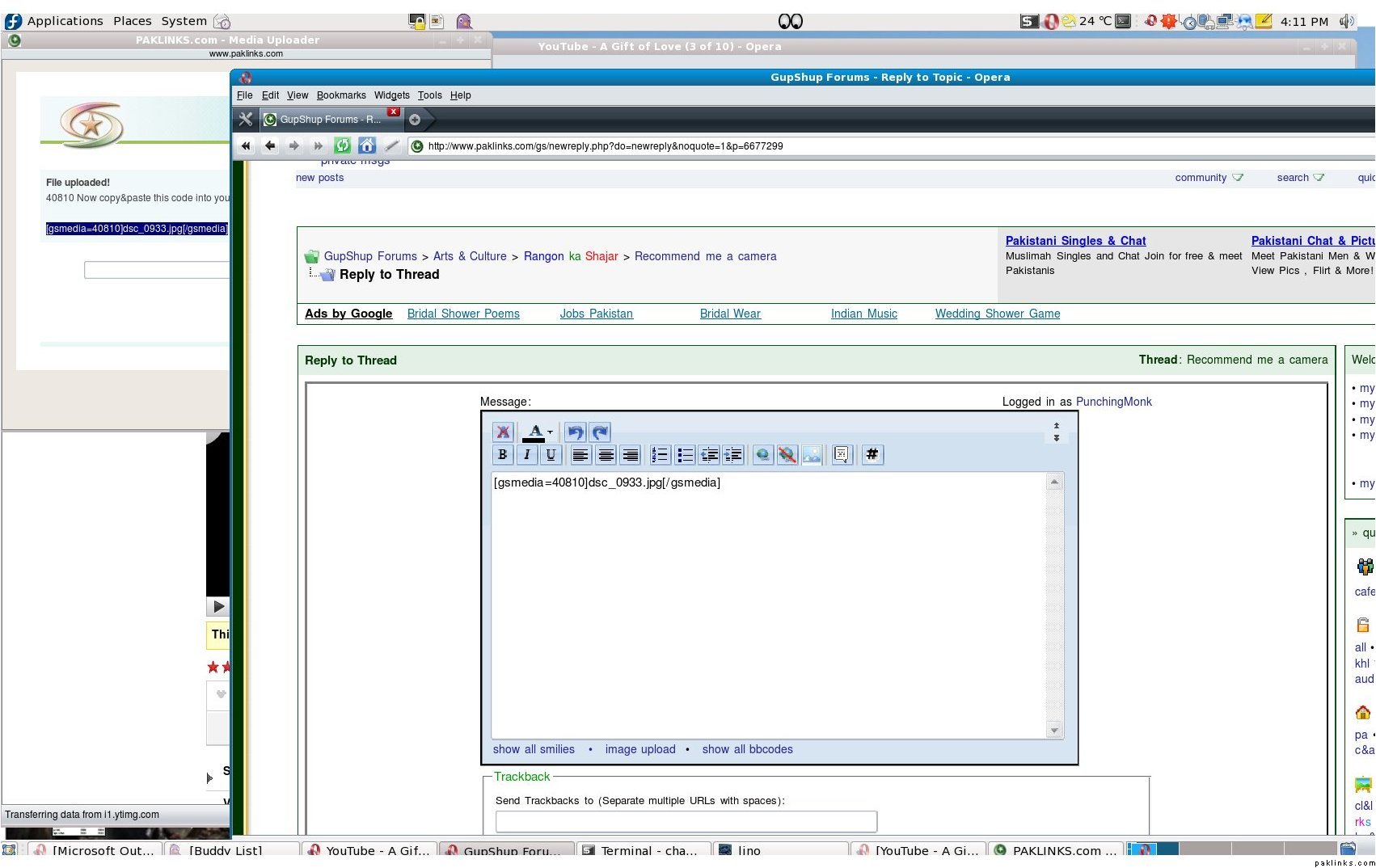
A new link will appear in pink shade, copy paste it in the post’s window.
And then submit.
Now post some amazing pictures… lets go …lets go..

Just testing image upload functionality - this is a default MS Office pic, not something I clicked 
Thanks much, PM ! I shall be posting some pics soon.
P.S. Can we make this a sticky ? Might help other members too…
Monk
3
Re: Punjabi in USA ki elawah
Nice.. We are waiting.
Re: Punjabi in USA ki elawah
Punjabi Bhai Meine aap ko pm kiya da iske barein mein. :(
Re: Punjabi in USA ki elawah
Punching Bhaiiiiii................pls pls pls pls for god's sake would u pls clear one my doubt?
Even after repeated times,you have not bothered to tackle a problem for me...
Now pls ask whats that? :D
Monk
6
Re: Punjabi in USA ki elawah
What is the problem arleitter? Lets try fixing it.
Re: Punjabi in USA ki elawah
^O.k Punching Bhai …Infact,I was trying to find out how to do more than one image in a single post.
O.K Jiii got it finally with the new introduction of Multiple Image Option. :k:
Re: Punjabi in USA ki elawah
^ Yes, thats a cool option. I am going to upload some pics tonight.....
Re: Punjabi in USA ki elawah
GREAT… Waiting for that :k: