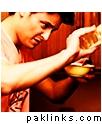
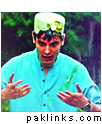
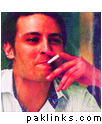
Hello guys! Here’s our very own creation’s corner.
There’s no rule except one, creations should be your own. We are not fussed about external links on this thread, please feel free to upload them on image upload sites and post direct links here so it’s easier for others to download them . Photobucket, imageshack, tumblr, dropbox are examples of such sites. If you are struggling to find good quality pictures of celebrities, check out their Facebook pages, they usually have a great collection. Avatars can be 100x100 or bigger, even thou our personal avatar sizes are small, there’s a chance that admins might increase the size. I’ve made a case for us let’s hope it works out!
Re: Post your Creations! (avatars, banners, signatures)
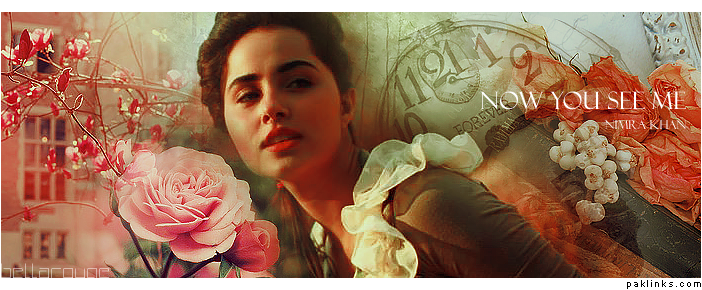
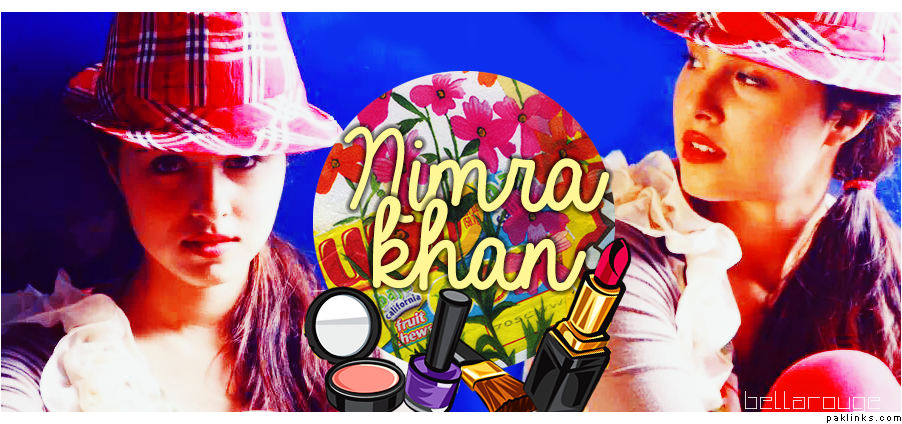
Nimra Khan Set (4 avatars and 2 banners)
Banners:
Program used: Photoshop CC 2014
Re: Post your Creations! (avatars, banners, signatures)
Please post tutorial.
Re: Post your Creations! (avatars, banners, signatures)
I’ll post them soon!
Re: Post your Creations! (avatars, banners, signatures)
Awla thread.
system
August 25, 2014, 10:47am
6
Re: Post your Creations! (avatars, banners, signatures)
Allah ka waasta it is aala.
1 Like
Re: Post your Creations! (avatars, banners, signatures)
Go from this:
To this:
Icon tutorial no.1:
Open your screencap/picture and crop it to your desired icon size.
Duplicate the layer and set it to Soft Light – opacity 50%.
Add a Levels layer, with setting: 32, 1.26, 190. I do this to most of my icons, as it gives a nice contrast and brightness to the image.
Now add Selective Colour layer with following settings:
Create a new layer and fill it #002157 ](http://www.paklinks.com/gs/usertag.php?do=list&action=hash&hash=002157 ) with set it to Exclusion – opacity 47%.
Create another layer and fill it with #c69c6d ](http://www.paklinks.com/gs/usertag.php?do=list&action=hash&hash=c69c6d ) set it to Color Burn – opacity 79%.
Finally add this texture layer and set it to Lighter Color. I dragged it to left, as it was showing on OB’s face.
Texture set available to download here: Text Icon Textures by elizacunningham on deviantART
I’ll post more tutorials, of banners and icons pretty soon.
Re: Post your Creations! (avatars, banners, signatures)
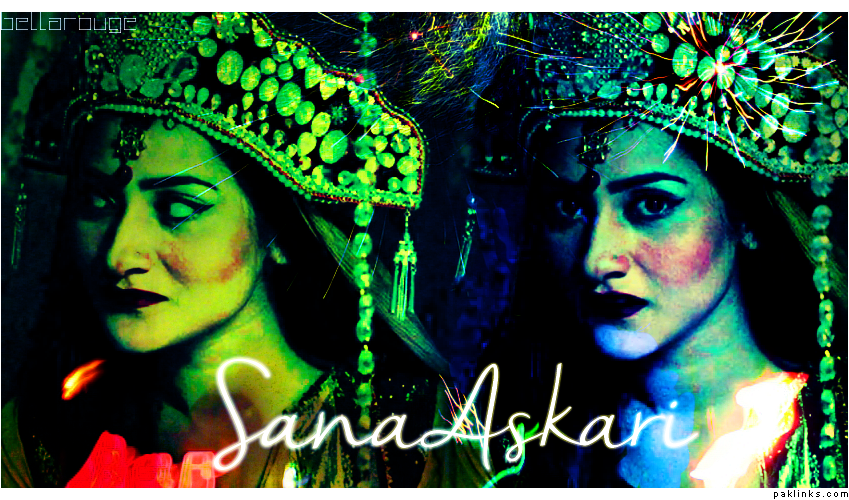
**Set: Sana Askari from Dareecha
**
mahool
August 27, 2014, 7:17pm
9
Re: Post your Creations! (avatars, banners, signatures)
app ki creativity sirf pakistani adakaroan kay liye hai… ya gher mulki adakaraon par bhi adobe kay filter chaltay hian
Re: Post your Creations! (avatars, banners, signatures)
Sirf Pakistani! Jeevay jeevay Pakistan!
Re: Post your Creations! (avatars, banners, signatures)
**Ayeza Khan Set: **
Re: Post your Creations! (avatars, banners, signatures)
**Ayeza Khan Set: **
post pics of Hamza ali abbasi n arosa qureshi
Re: Post your Creations! (avatars, banners, signatures)
I am working on Hamza’s set next! Will post it asap
jasos
November 25, 2014, 5:32am
15
Re: Post your Creations! (avatars, banners, signatures)
GS wallay siggy post kar doon jo khalistan mairay hein :cobra:
[quote=““Dhoti Main Dhamaka””]
[/quote]
A dhoti design with this would look badass. And when doing dhamaka in that would scare a lot of people.
 Show your creative-self! We can post tutorials here too and help each other out with our knowledge of Photoshop or which ever program we are using.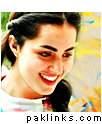

 watch this space xx