on the top left hand of the page There is a longish box, with different headings, under features it says image upload, next to that it says ‘your pc’ click on that and then a seperate window opens saying ‘image uploader’ click ‘select multiple files’ and chose the file from your PC, then click upload file.
After your picture will appear with the word COPY underneath and underneath that a name for your picture, copy and paste that into your post here.
Sometimes the copy button doesnt work so copy and paste manulally how u normally do, i hope that makes sense!
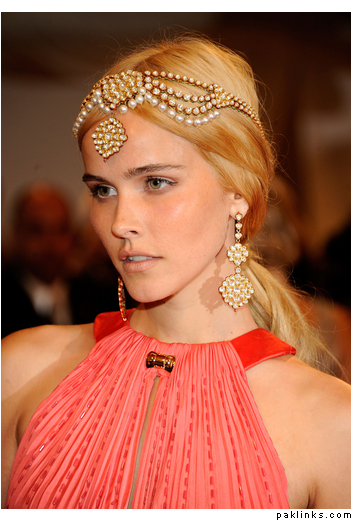
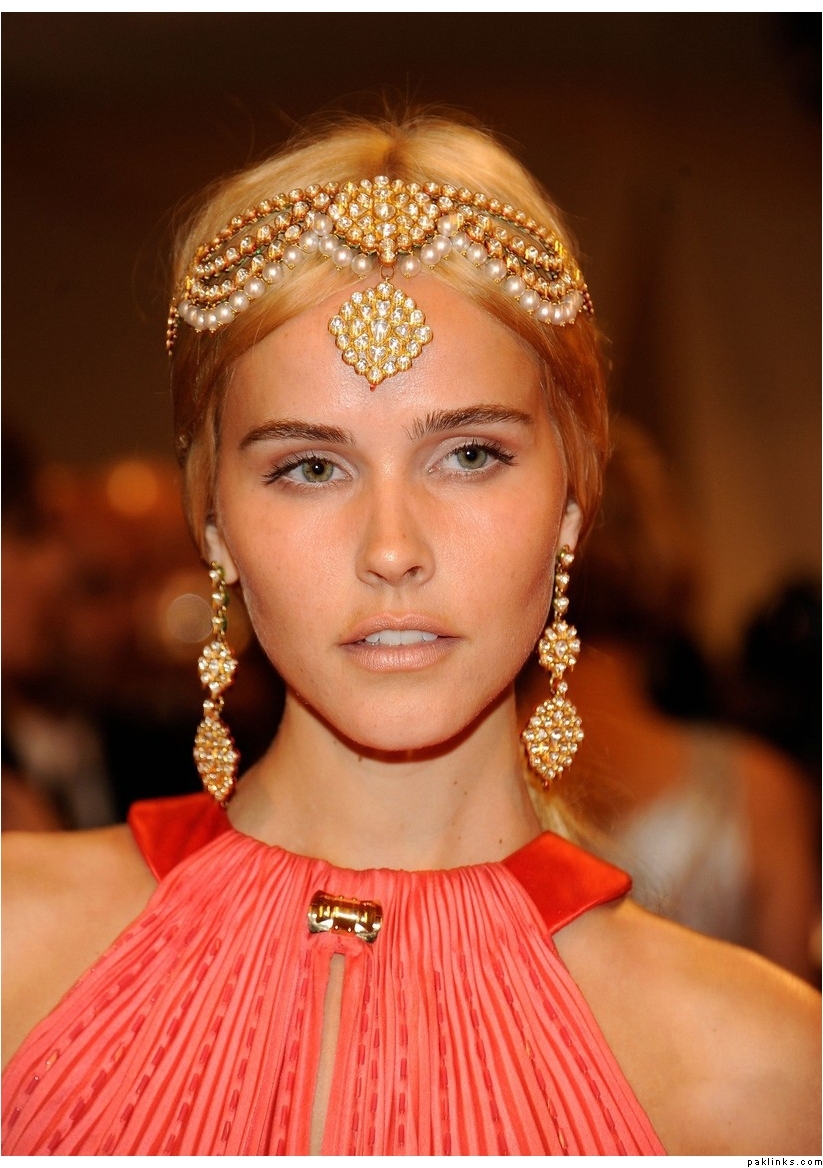
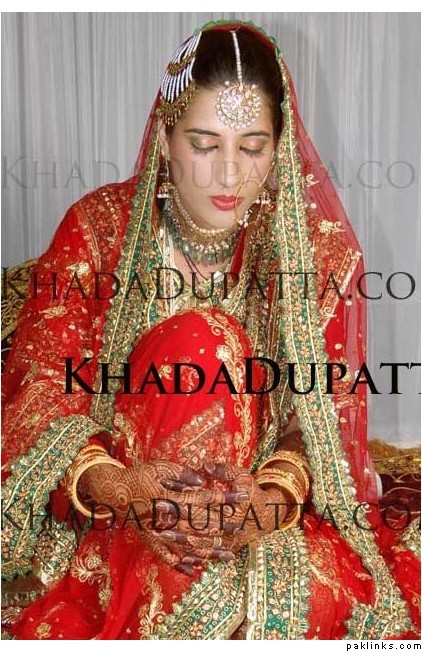
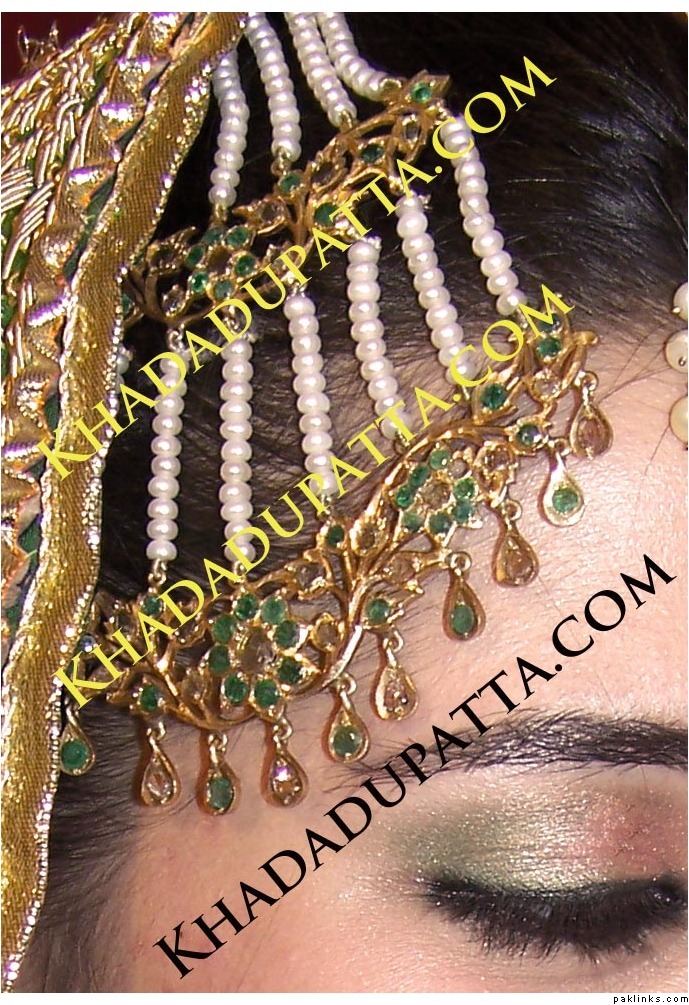
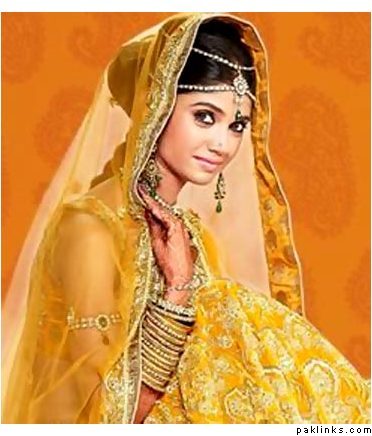
would that still work on dark hair where the contrast will be significantly more noticeable or does it work bc the model is a blonde and the stones are light and has gold work?
I think the yellowy gold would look a bit cheap/harsh on dark hair but that design and pattern on dull/antique gold would look lovely on dark hair, also I have brown hair not jet black so there wouldnt be much of a contrast (once i find a rishta and have a baat paki and get married)