Uffhhhhhh, I thoroughly messed things up on my computer all because I tried to make a certain picture online my desktop. Now my font colors, window colors, and font size are completely messed up.
Someone HELPPPPPPPPPPPPPPPPPPP!!!
Uffhhhhhh, I thoroughly messed things up on my computer all because I tried to make a certain picture online my desktop. Now my font colors, window colors, and font size are completely messed up.
Someone HELPPPPPPPPPPPPPPPPPPP!!!
Re: I messed up my desktop and fonts
Gizzy to the rescue :soldier:
Ok, this might be something very simple.
Try to do a RIGHT CLICK anywhere on the DESKTOP.
Then hit OK.
Re: I messed up my desktop and fonts
Gizzy, it didnt work. afsoos
You know whats happening? First, all my icons are taking up a lot more space than they were before and secondly, some of my font is YELLOW. Like when I left click on the desktop area, the word "Refresh" is in yellow and some of the bordering when I open websites is also yellow.
Then another problem is pictures. They are messed up, like scrunched together. The pixels are all messed up. Making the pics look blurry, whenever I open a website.
Thats just three of the issues. HELPPPPPPPPPPPP!!!
Re: I messed up my desktop and fonts
Again:
RIGHT CLICK on desktop.
this time click on the APPEARANCE tab
check what is the font size there?
And can you post a screenshot here?
Re: I messed up my desktop and fonts
Umm I guess I can, let me get my cam. I dont know how to make sizes small though, for pics.
Re: I messed up my desktop and fonts
Ok this might do the trick
Go to the kitchen, take one glass of medium hot water, (about 275 ml) walk back to the desk. Turn on the tv, turn it off and turn it on again.
After this jump twice and touch your nose. Walk back the computer and it should work just fine :biggthumb
Your welcome :halo:
Re: I messed up my desktop and fonts
LOL  …
…  … murmels something bout F12 or prntscrn button…
Re: I messed up my desktop and fonts
dutch, I dont know how to use that button. snooty
Anyway, I took a pic wid my cam. You can see the yellow font here. But theres no way to show the blurriness in the pics on my screen.
As for trying to change the font size. In the Appearance screen there are several different options that have font as an option, I dont know which one to choose. The funny thing is that for none of them have I picked the color yellow!!!
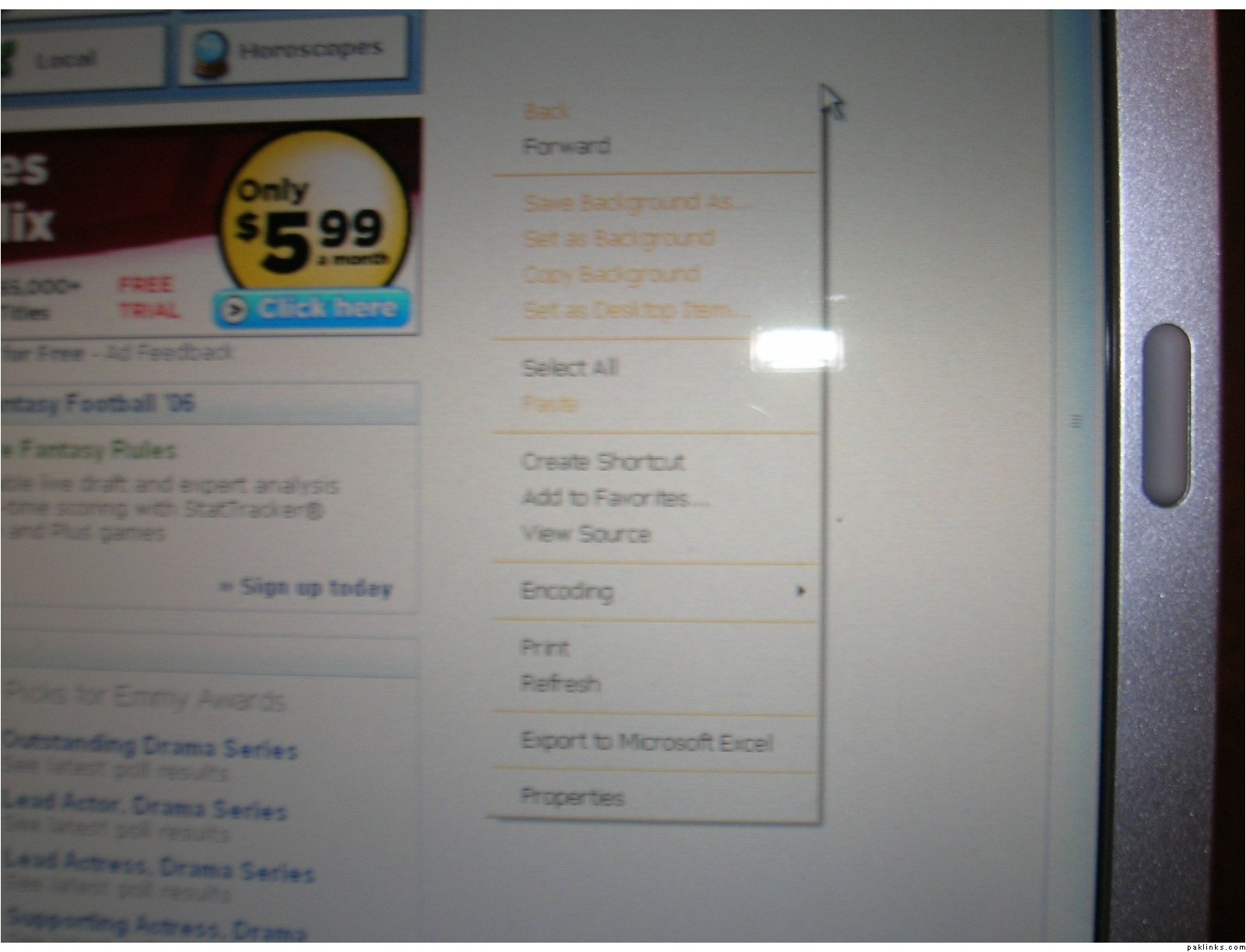
Re: I messed up my desktop and fonts
horescopes only 5.99 wow lucky you
anyway, close all open windows and right click mouse button on your screen (blank area), and for the rest follow Gizzy instructions.
Re: I messed up my desktop and fonts
Someone HELPPPPPPPPPPPPPPPPPPP!!!!!!!!!!!!!!!
wawa hats off to u sorry ji just kidding how r they messed up
Re: I messed up my desktop and fonts
Some tricks you can try:
Start Menu > Settings > Control Panel > Display > ‘Settings’ tab
Increase the screen resolution to max. Here is a picture that illustrates that:
http://ferl.becta.org.uk/content_files/ferl/resources/colleges/solihulfsfc/cstudies/mgreen/display_settings_highlighted.jpg
Start Menu > Settings > Control Panel > Display > ‘Themes’ tab
Change the theme to windows xp or windows classic
http://ferl.becta.org.uk/content_files/ferl/resources/colleges/solihulfsfc/cstudies/mgreen/display_themes.jpg
Re: I messed up my desktop and fonts
Oh, that 5.99/month was a netflix ad. That was Yahoo’s mainpage that I took a snap of. grin
I fiddled around with the computer and Alhumdulillah most of it was fixed. Then I tried what Gizzy suggested again and the yellow font problem was fixed. Now the only thing left is the font size in general. Font is bigger than I like it by just a tad.
Any ideas? Thank youuuuuuuuuuuuuuuuuu Gizzy and everyone. smile
Re: I messed up my desktop and fonts
Font size only in IE while browsing the net?
If yes? then do this:
In Internet Explorer from the menu at the top:
VIEW ~~> TEXT SIZE ~~> MEDIUM
thats it!

