Courtesy of noor1234:
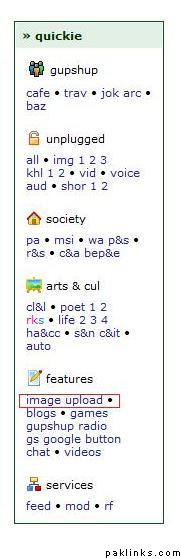
at the right on your screen youll see this quickie bar, click on image upload:
this window will pop up:
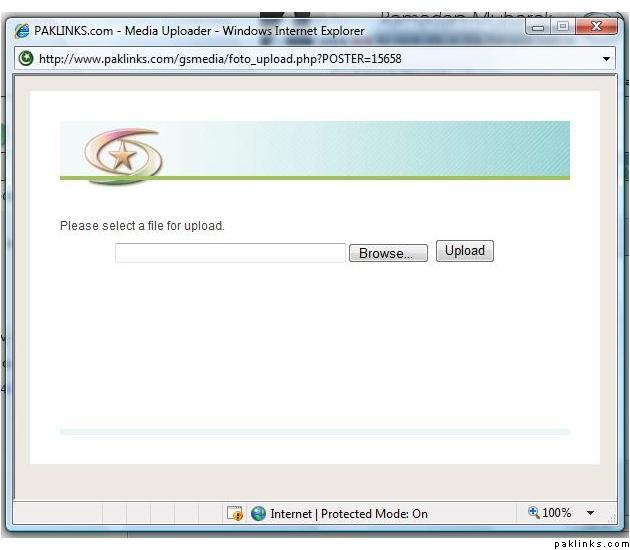
click on browse (sorry “*Gennemse” *is the danish word for browse  )
)
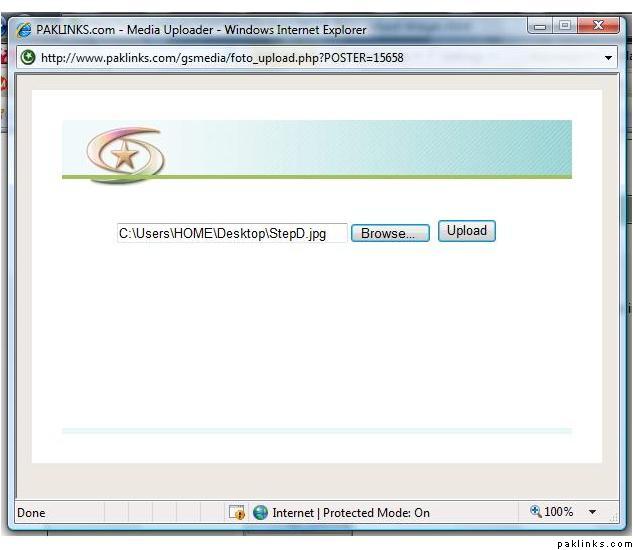
select the file you want to upload and click on upload:
the file is uploaded!..now copy the pink text:
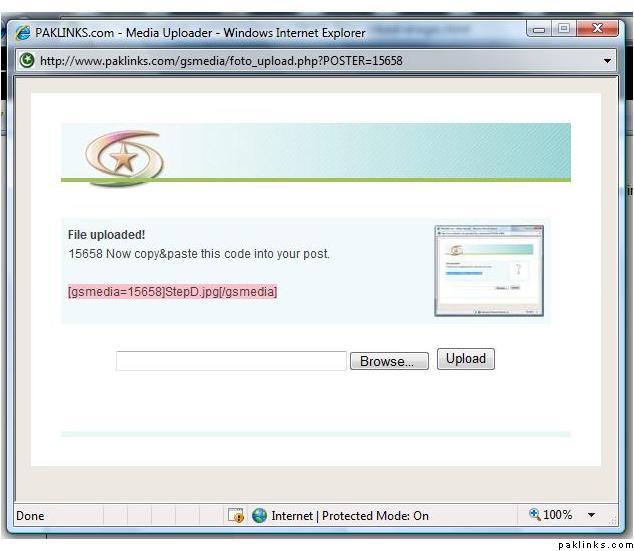
and paste it in your message:
and click on post reply.

voila… now it should be there…
ps: remember ur file name must not include any space
hope that helped