without turning on your webcam. A question I’ve been asked a lot so here’s a short tutorial.
1: Make sure your webcam is pointing away from you or keep the lens covered with your finger before you do any of the following.
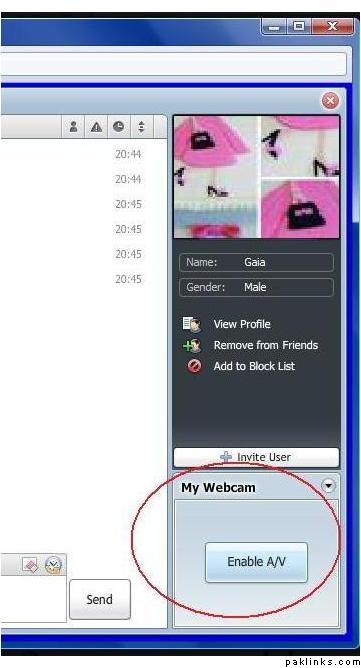
2: Click on Enable A/V.
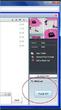
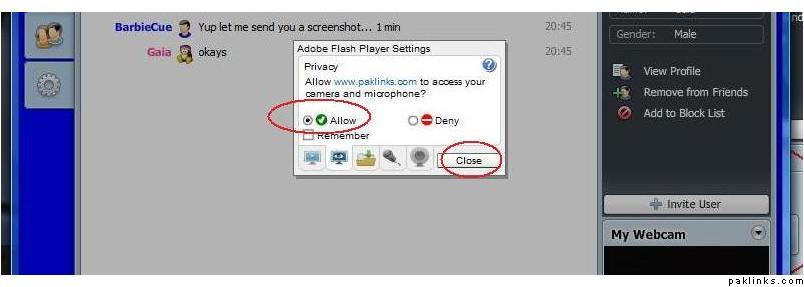
3: Click on Allow and close.
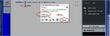
This will have turned on both your mic and cam which is why we needed you to have your cam covered first.
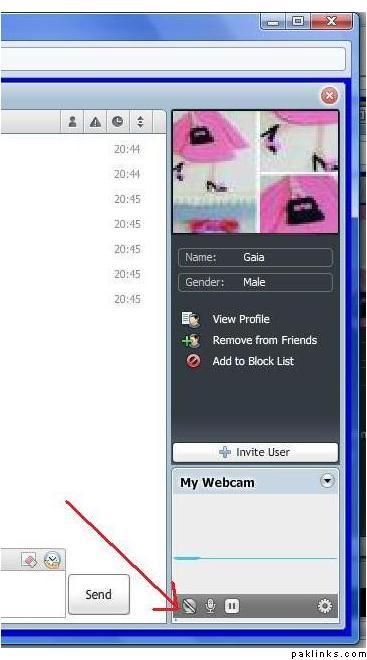
4: To disable the camera, click on the webcam icon at the bottom right corner.
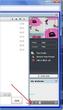
This will turn off your cam and leave your mic on.
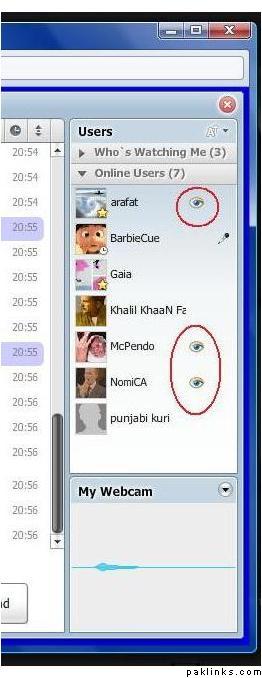
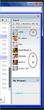
5: To block someone from listening to you:
The eye icons beside the usernames mean those users are listening to you right now. If you don’t want a particular user on chat listening to you, click on the eye icon beside their name.
Re: How to turn on your mic on chat
Barbie i have another question too 
Re: How to turn on your mic on chat
Fire away!
Re: How to turn on your mic on chat
Can someone record us there…I mean voice or videos?
Re: How to turn on your mic on chat
^ Yup. But that won’t be happening because for all of our future meets, we will have a private room protected by a password. So only the Java Janes will be able to access the room and I think we can trust each other not to record anything without our permission. If there was someone you didn’t trust, you can simply block them on chat.
Re: How to turn on your mic on chat
Thanks for reply Barbie…
and really this thread is very helpful :k:
Re: How to turn on your mic on chat
A private chat room with a password is a great idea 
Re: How to turn on your mic on chat
thank you sooo much … i was really confused until i saw this thread 
will be joining you girls at next meeting