Last night I spilled soda on my laptop and by morning all the keys were stuck . So I decided to clean them up . In process I thought I should take pictures in case one of you wants it too .
Here is the step by step process .
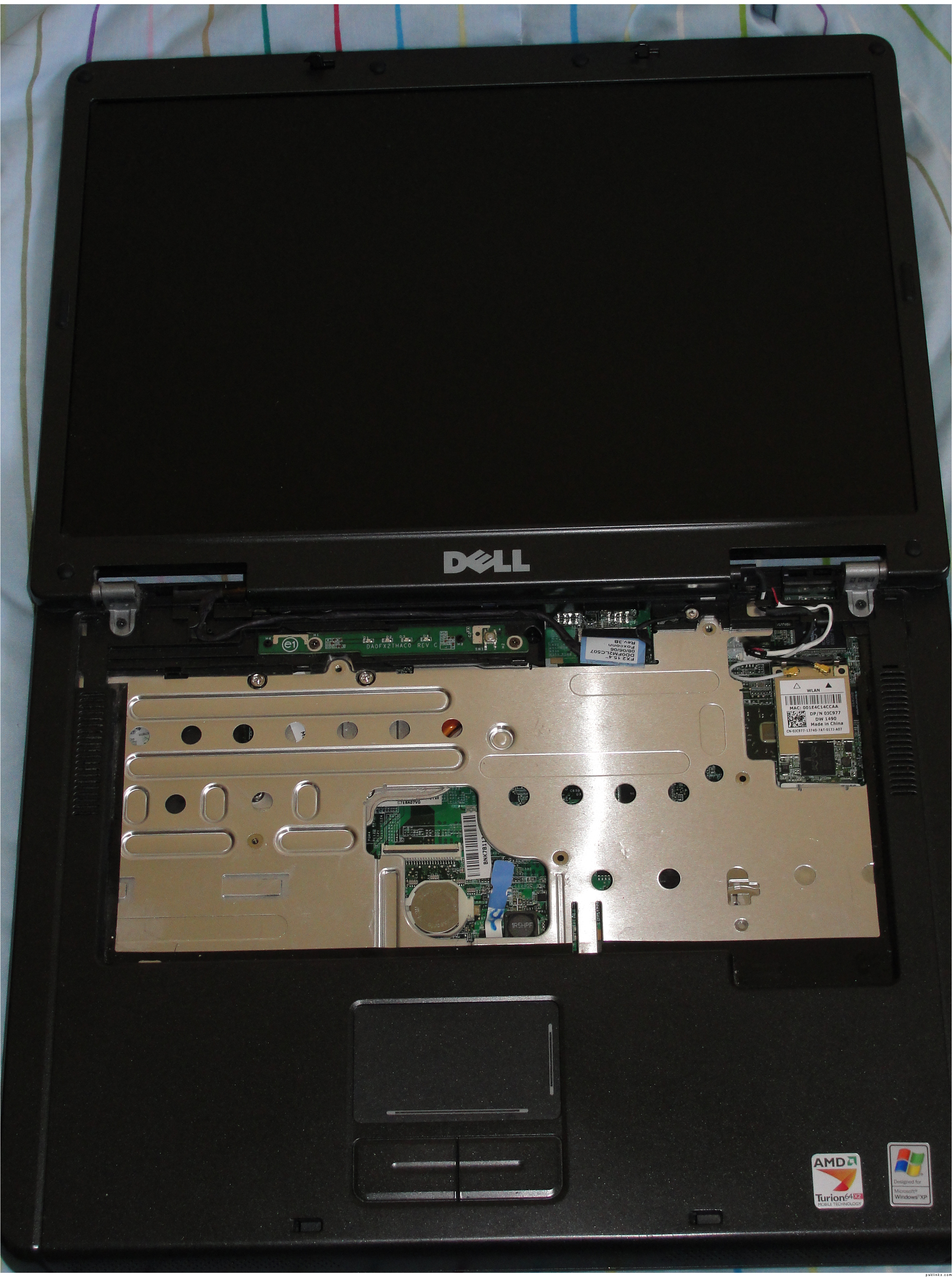
Take off the keyboard from your laptop . Now your laptop will look gunjaa . Its fine . Put it on a side . Different laptops have different ways to open up the keyboard . I would say google it up and find the correct way to do it .
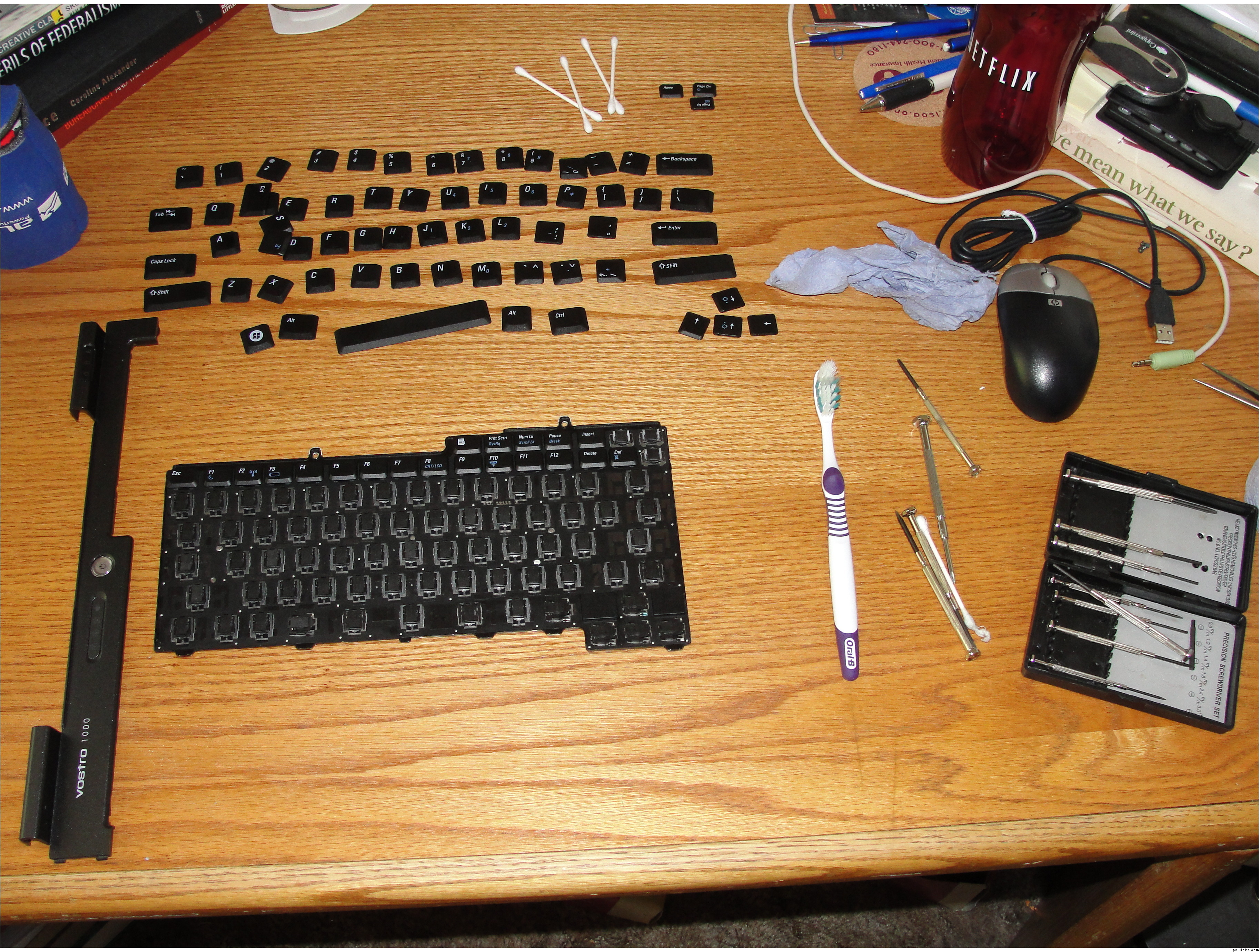
Take a blade screwdriver and lift up each key from the front with the help of your nail with a steady pressure and it will come off . The bigger buttons take little bit more force but don’t worry it won’t break . Just apply constant pressure and it will come off . Make sure that you put each key on the table the way it is . This will help you when you will be putting them back .
Now take a toothbrush and paper napkin and clean the key board . You can use any cleaning liquid to clean the surface but very little . Just to clean the dust stuck inside it . When you see it all clean then dry it up .
Take each key , put it on its place on keyboard and push it from the top . It will fit back in with a click sound . Do the same with all the keys .
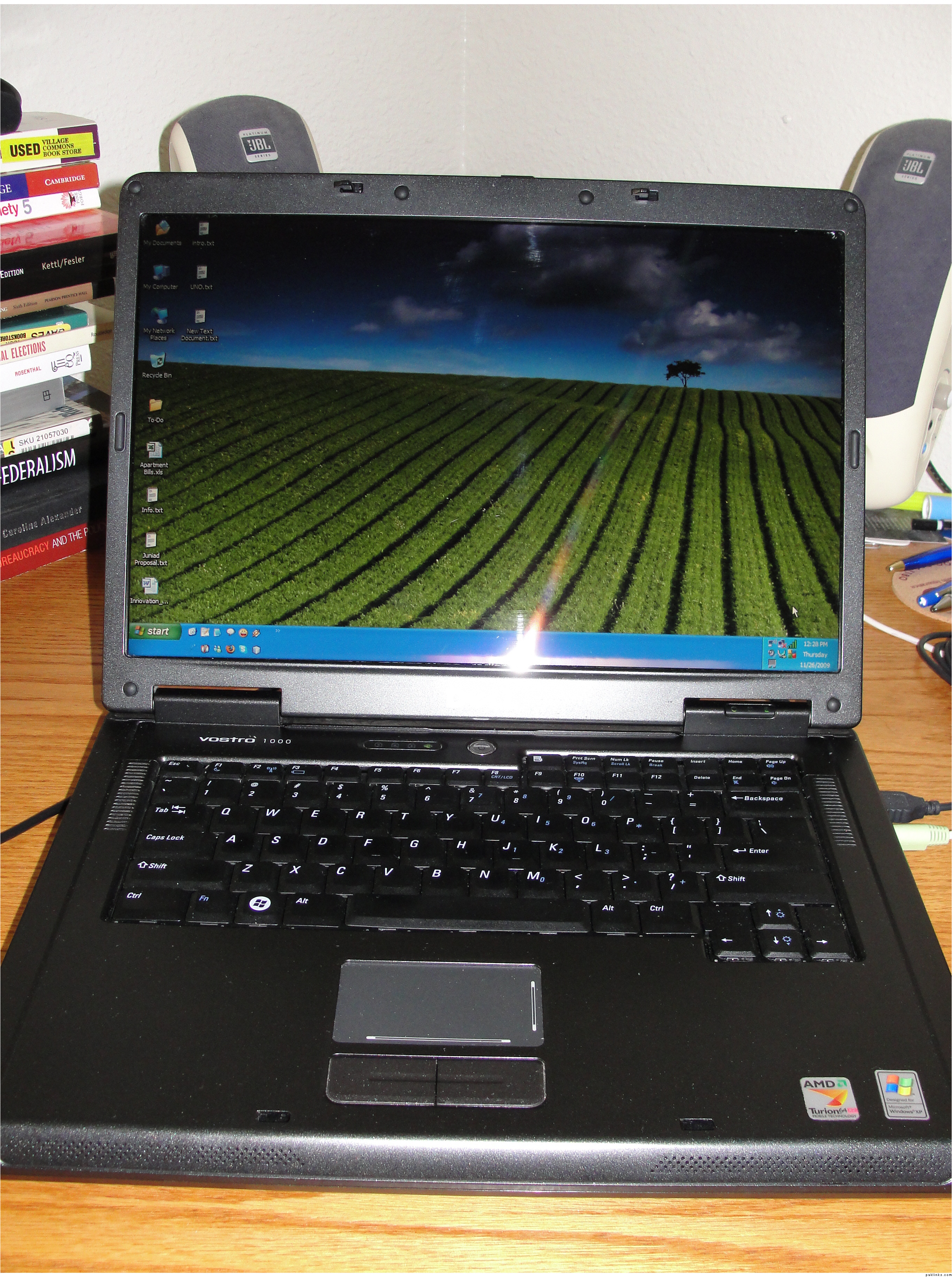
Congratulations , your laptop is back to normal with all the keys working fine .


