i opened a thread on this before but nothing got ssorted out 
and today this
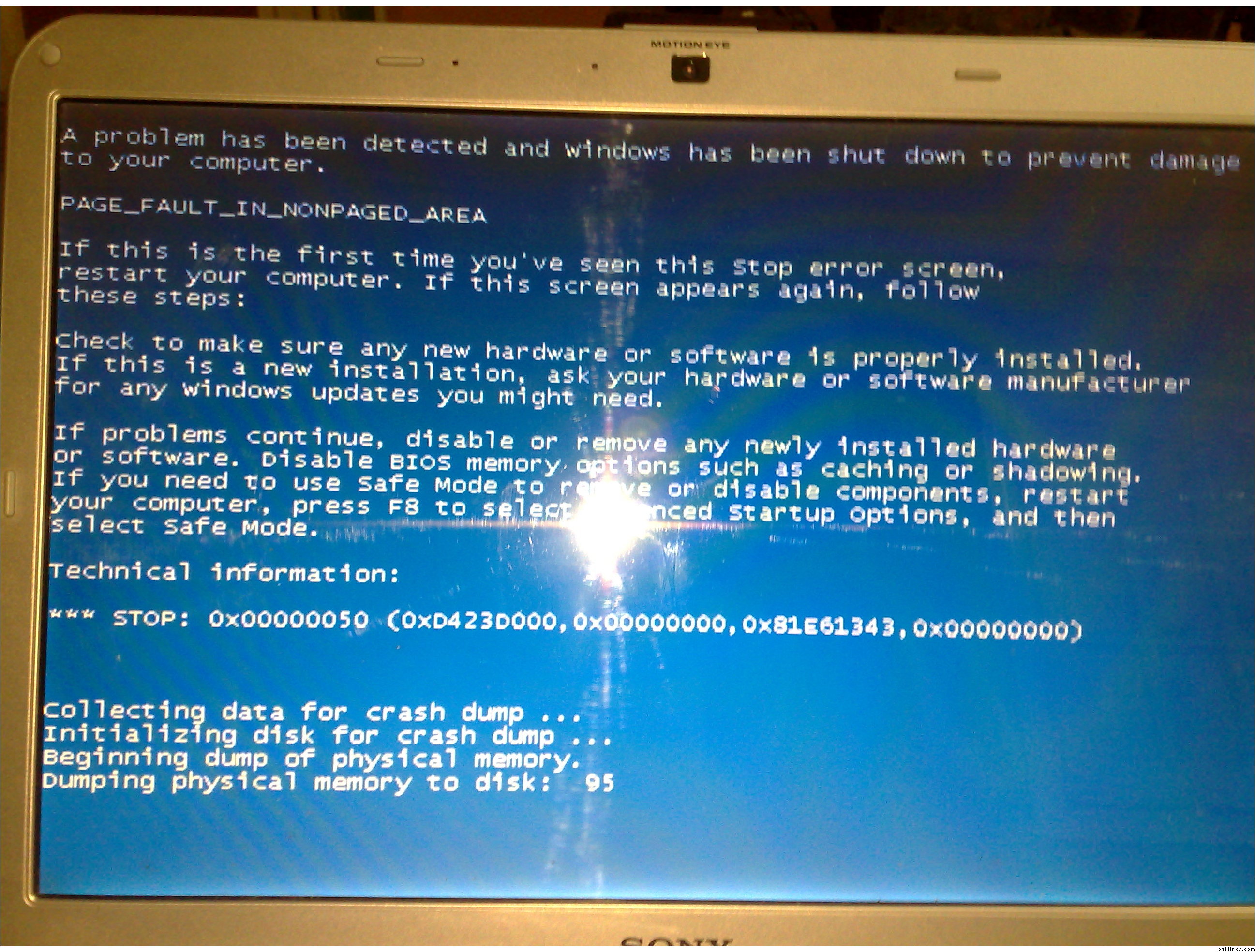
kept on happening for about 4 5 times so far … just before i went i took pic of it ..and its been happening in the passt quiet a few times ..
please help me plzzzz
i opened a thread on this before but nothing got ssorted out
and today this
kept on happening for about 4 5 times so far … just before i went i took pic of it ..and its been happening in the passt quiet a few times ..
please help me plzzzz
Re: HELLLLLLLLLLLLLLLLLLLLLLLLLLLLLLLLLLLLLP!!!
same thing happend to my pc and i paid $150 to fix it :(
Re: HELLLLLLLLLLLLLLLLLLLLLLLLLLLLLLLLLLLLLP!!!
right click MY COMPUTER > PROPERTIES > ADVANCED > in first group of PERFORMANCE ( visual effects, processor scheduling, memory usage, and virtual memory), click SETTINGS.
under last tab of DATA EXECUTION PREVENTION, make sure TURN ON is selected, in middle tab of ADVANCED, click CHANGE,
all drives that have a value in PAGE FILE SIZE (MB), click on them 1 by 1, select system managed file size and click SET. (on every single time do that).
press ok, press ok, if system asks for a reboot, do so…
report if it made it any better.. will go from there..
in short, two most basic things that can be seen from this are something called DEP not being on, OR something happening within something called pagefile..
goodluck :k: smile if it fixed it… 
[added - after reading ur other thread]
SNAP! i didnt realized u were on vista home … errrr, i wouldnt be able to help as in i dunno where these THINGS are kept.. i am HOPING they’re in the right places as i said…
Re: HELLLLLLLLLLLLLLLLLLLLLLLLLLLLLLLLLLLLLP!!!
Thankx so much for the above update .. wel so far i followed all the steps as u directed i will reboot now ..and will update you on this as to this is succesful or not … thhis is screenshot of whats there in the settings …
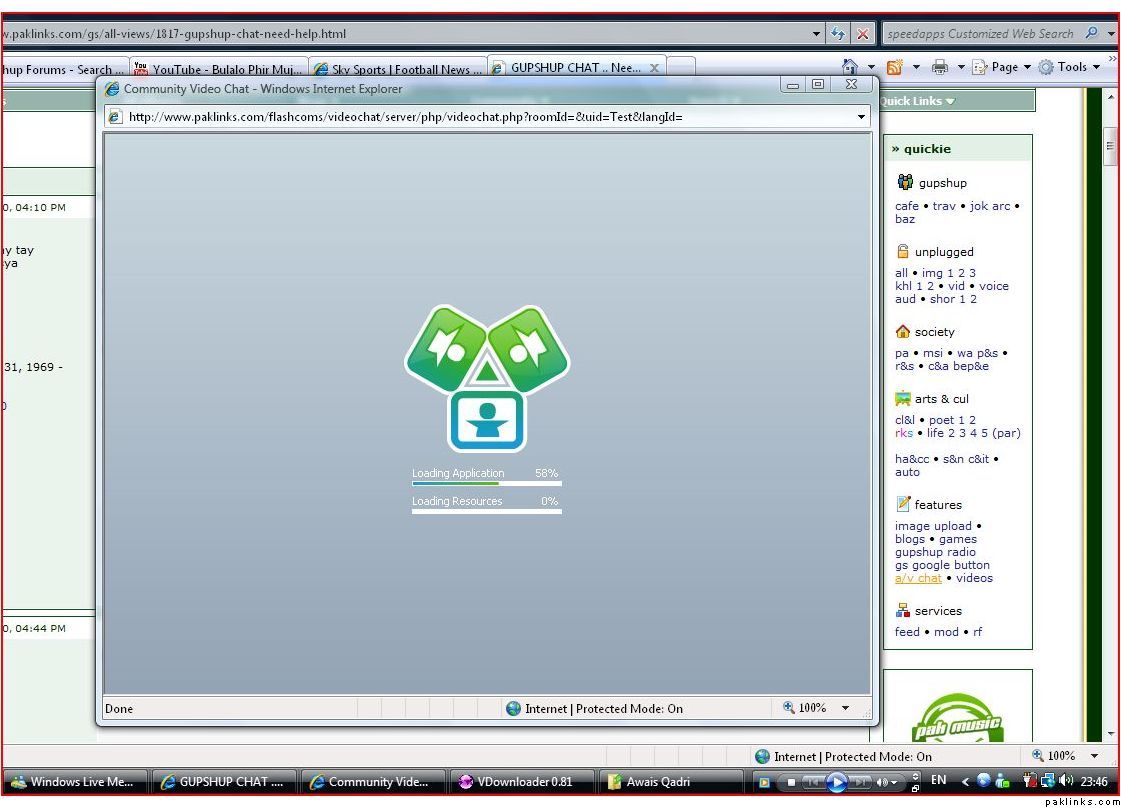
do i need to make any chnages in anyother fields cos before i followed the above instructions it was cliked on AUTOMATICALLY MANAGE …
Re: HELLLLLLLLLLLLLLLLLLLLLLLLLLLLLLLLLLLLLP!!!
STOP: 0x00000050 Page_Fault_In_Non-Paged_Area Error After Installing Service Pack 1 (SP1)
Re: HELLLLLLLLLLLLLLLLLLLLLLLLLLLLLLLLLLLLLP!!!
^^ thanks for that article, fbi786 yar look into this article as well..
no seems like its set up the way i was trying it to be… lets see.. looks like microsoft article nails right into the problem. .
goodluck 
Re: HELLLLLLLLLLLLLLLLLLLLLLLLLLLLLLLLLLLLLP!!!
Seems like a driver issue not Vista compatible?
update all the necessary drivers. Could be keyboard or webcam, mouse, or VGA driver most probably.
Also if the CPU gets overheated and then shutdown system, and you get a BSOD.
Re: HELLLLLLLLLLLLLLLLLLLLLLLLLLLLLLLLLLLLLP!!!
reinstall new vista ( tht came with laptop) original
or restore windows from backup cd
if itstill occurs, the error, get it chked, might be some prob with hardware, and these days, u can get small hardwares replaced with new and its not too exp..
2 gb 800mhz laptop ram for 2000