Ok so you know the way Google has two search bars:
One at the top
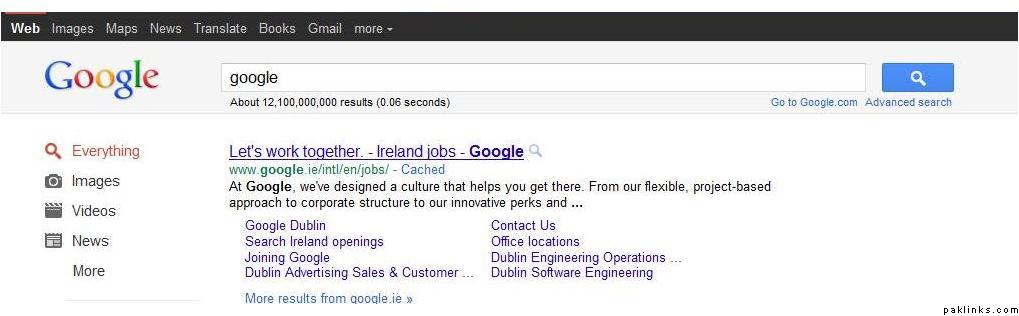
and one at the bottom of the page:
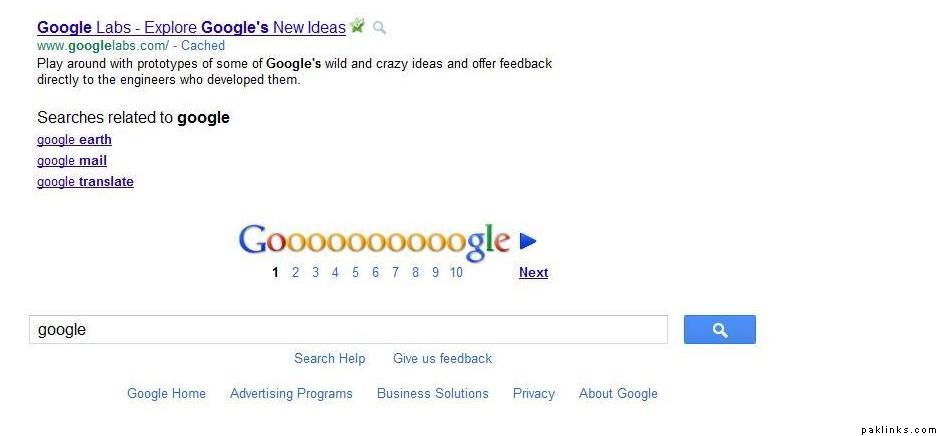
I searched for “google” and notice how the search term appears in both bars automatically. Previously, when you typed your next search term in either of the bars, Google used to carry out the search for you, updating the search term in both bars.
But now, you have to type the next search term in the top bar. If you type it in the bottom bar, Google doesn’t update the top bar and keeps searching for what’s written in the top bar.
Not a major issue, just a matter of convenience. When I scroll down through the search results, I naturally type the next search term in the bottom bar. Again, scrolling back up to the top bar is no big deal  but just thought I’d ask if everyone’s experiencing this or is there any way I can fix this?

 Zara pyaar sai kaho shayad maan jaye