I’m sure some folks here have been using them regularly, but I’m just contemplating setting this up at home and at work now.
For the longest time, whenever I had the need to work off two screens, I used to fire up my laptop and desktop at the same time… I found the setup to be much more efficient than switching between windows and tabs on the same screen… and that’s why I’ve finally decided to go with a dual monitor setup. Apparently, people who use it swear by it.
Anyways, are there any tips for an ideal setup?
I’m contemplating between having identical monitors versus having a widescreen and a vertical monitor for working with different types of applications.
Any thoughts on these two alternatives?
Re: Dual Monitor Workstations
After dealing with smaller LCDs and laptop/desktop combos, I went ahead and got two 27 inch LCDs with a dual widescreen desk clamp, like this one: Widescreen Dual Monitor Desk Clamp Mount - KTC225 Series it can take LCDs up to 30 inch.
Been using it for almost 3 years and love it with only problem being that I am feeling the need to add a 24inch vertical. I recently ordered sit-stand desk (can’t sit 15+ hours on chair anymore) so will have to see how these big screens come into play with that.
At work, its same but with laptop anchoring the setup instead of the desktop.
Re: Dual Monitor Workstations
On last job I had 3 monitors . 2 widescreen and 1 square . On current job I have one widescreen and one laptop , and I miss the last one . From a pure programming point of view , one for Email , one for IDE , and one for browser testing etc . Thats ideal for me .
Re: Dual Monitor Workstations
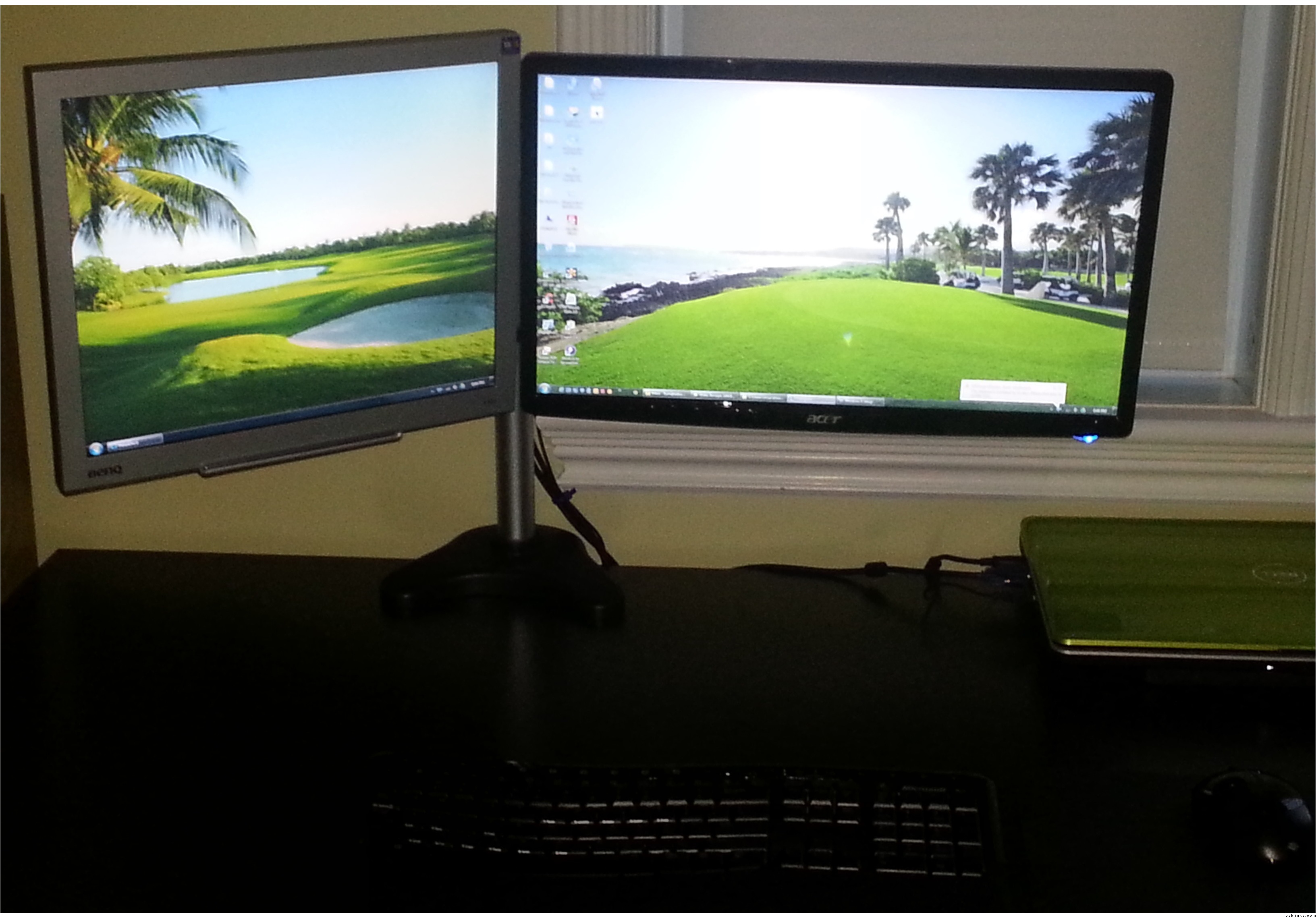
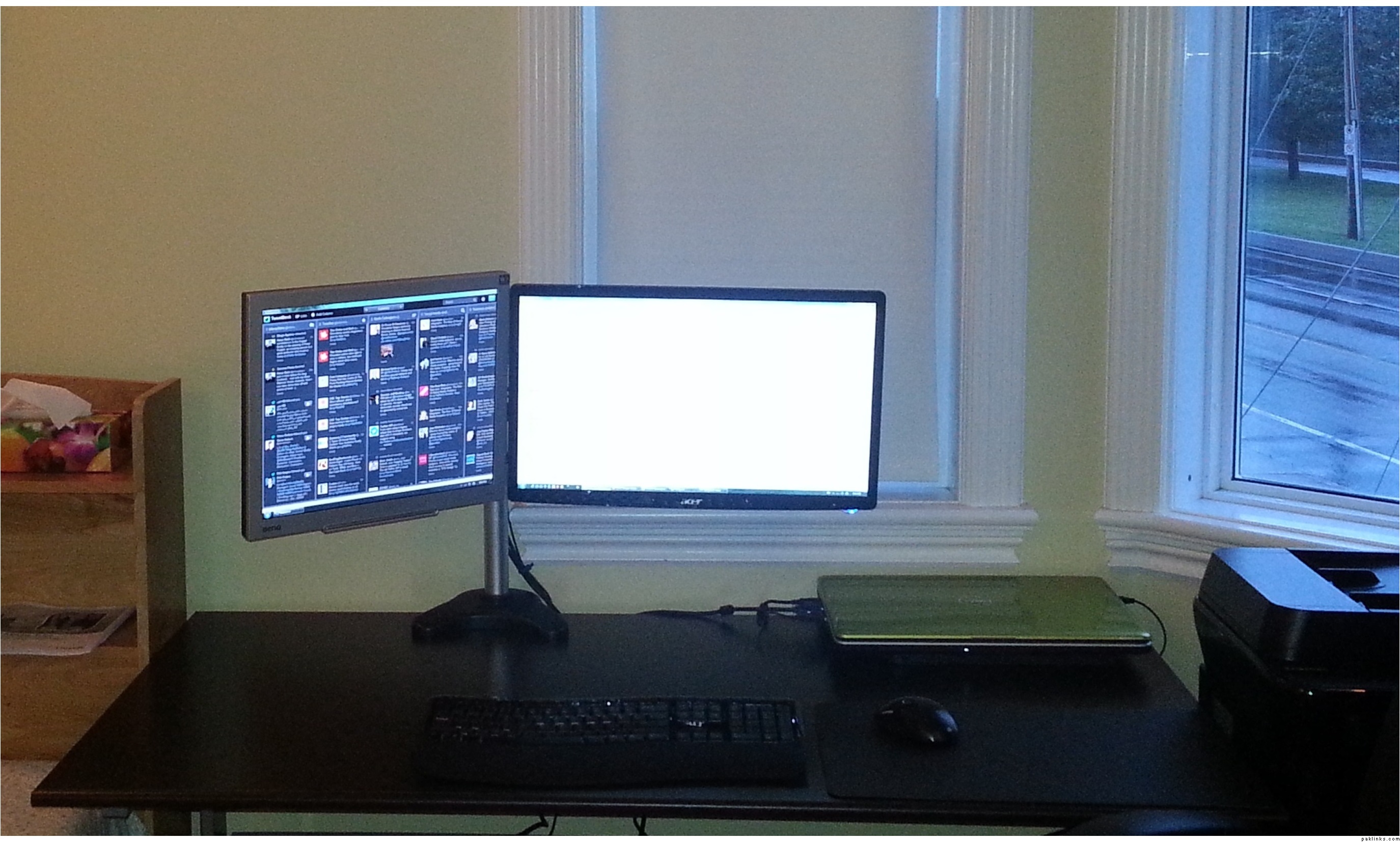
been using my new dual-monitor workstation for a couple of days now and I’m loving it! here are a couple of pics: