Why the wireless icon in the taskbar appear fuzzy at times? (windows 7)
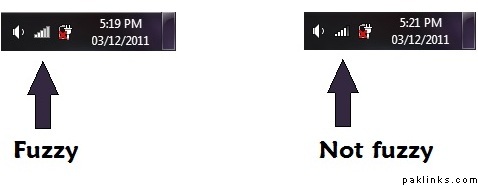
Why the wireless icon in the taskbar appear fuzzy at times? (windows 7)
Re: Does anyone know
screen resolution.
Re: Does anyone know
Hi genius. How would that explain the other icons appearing non-fuzzy at the same time?
Re: Does anyone know
Read this article this might be the reason and solution is in the article too:
Re: Does anyone know
text vs graphics …nvm
Re: Does anyone know
uhuh…
Yeah…I don’t think so. Post is from 2003. I’m running windows 7. This happens only sometimes on and off and ONLY when my laptop is in a weird zone of wireless connectivity (brick and cement walls and all). I think it’s gotta do something with the wireless signal.
Re: Does anyone know
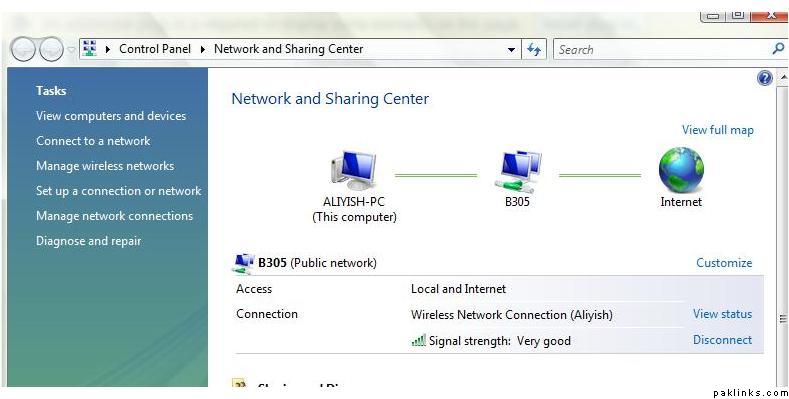
It shows the signal strength 
when it is fuzzy , then it must not be excellent , which appears with full bars … so if it is fuzzy , then it is either very good or good , instead of excellent …
For example
Re: Does anyone know
These animated icons are still images that they change on change of signal strength i.e.
if ( signal strength 10 ) show image 1
else if ( signal strength 5 ) show image 2
something like that .
All I am trying to say is , blame the graphic designer who designed these images 