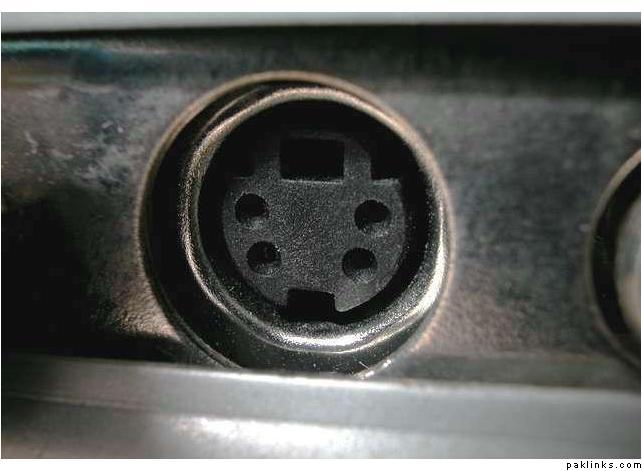
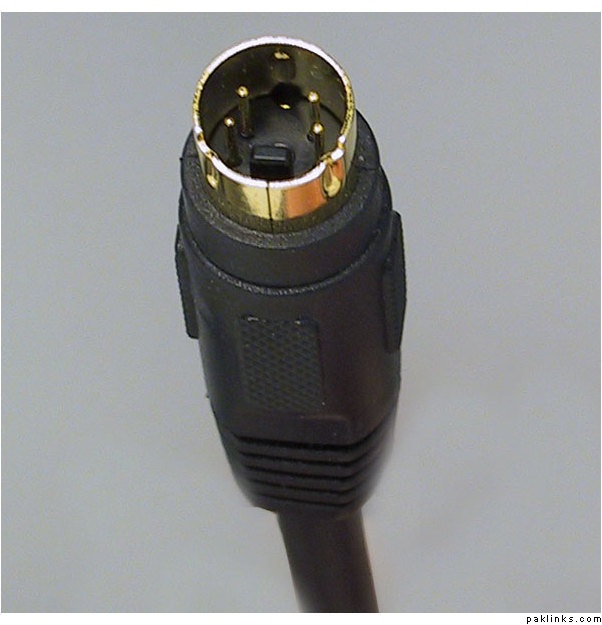
it all depends what laptop output you got, if you have any video output from your laptop, ie s video or normal yellow color connecter video out put port. depending on what connection out you got on your laptop you will require the normal phono video cable or s-video cable
if you dont have any video output from your laptop, you may need to install a tv/video card on your laptop. but most laptops comes with video output these days.
check if you have a round and yellow colored connector at theback or side of the latop.. if yes then thats the tv-out connector. You can get yourself a tv-out cable and voila..
If it doesn’t have an S-Video input, then you’re out of luck… unless of course you have another component like a DVD player or a cable box that accepts S-Video input, and is connected to your TV - in this case, you can hook up the laptop to that component.
Most recent laptops will have S-Video output so you’re prolly ok on the other end of the cable.
Here’s what the S-Video output on your laptop might look like: