BlueStacks: Android Emulator

The emulator works full screen on a Windows platform where you can test out/use all your own apps that you have on your phone/tablet (paid and unpaid).
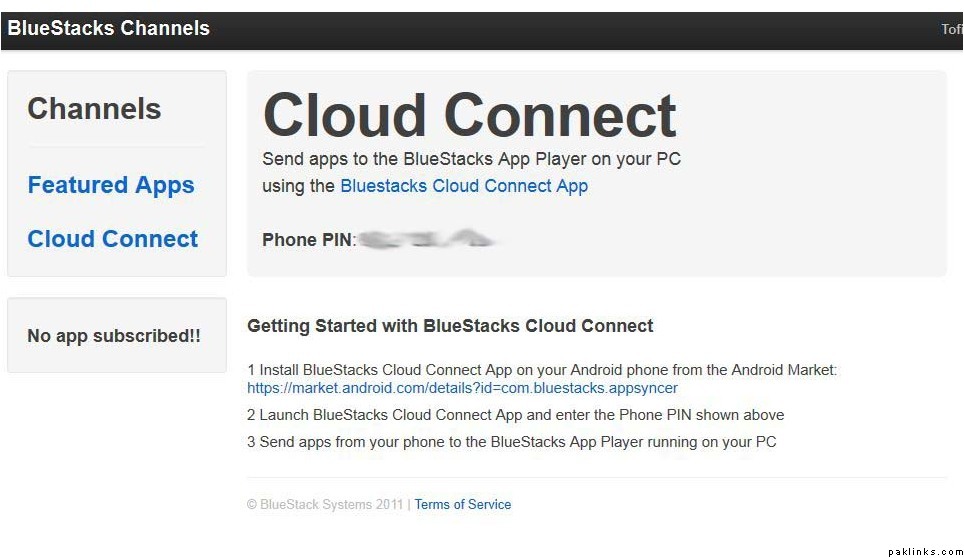
You start off with installing the emulator which creates an account with the BlueStacks cloud. Then it provides a PIN. You then download and install the BlueStacks Cloud app on your phone, put in the PIN and then you can export out all your apps and it automatically appear on your emulator.

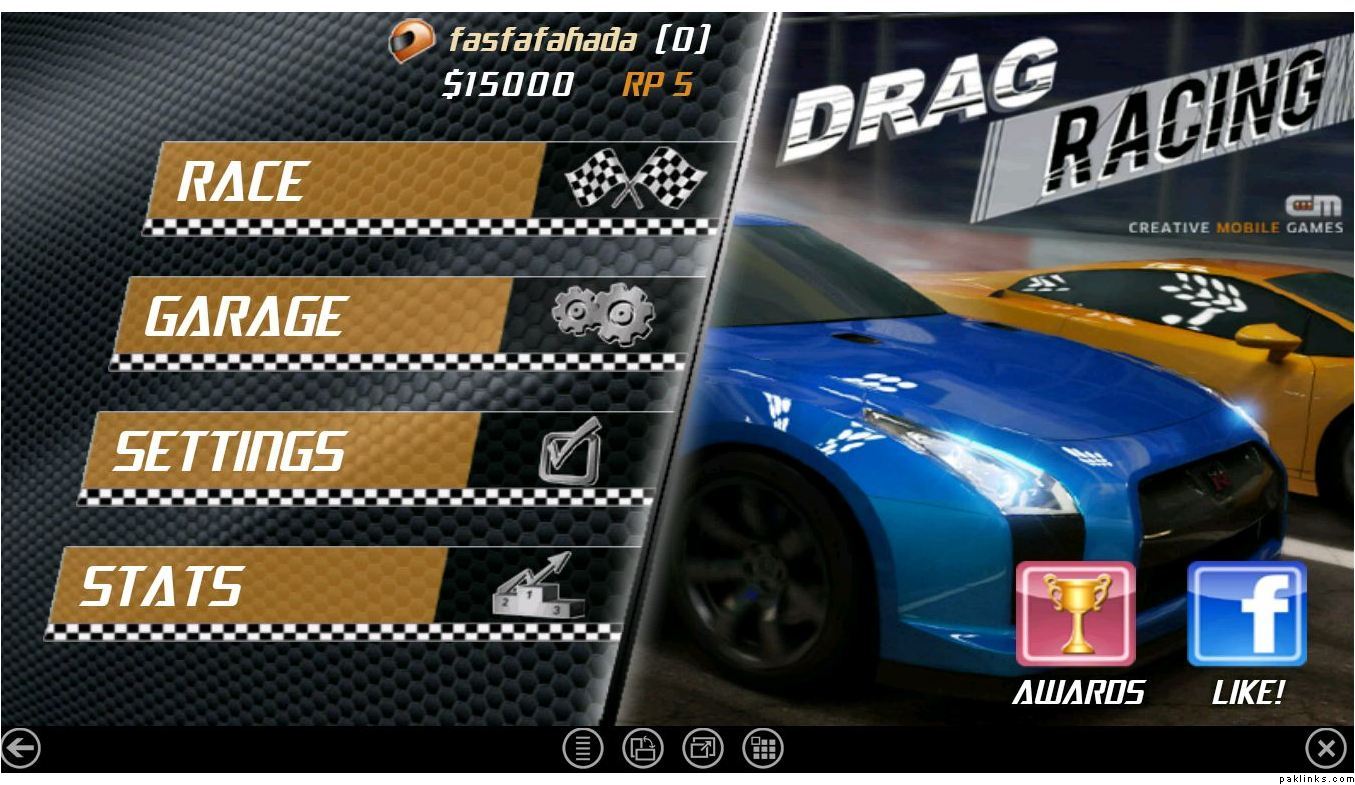
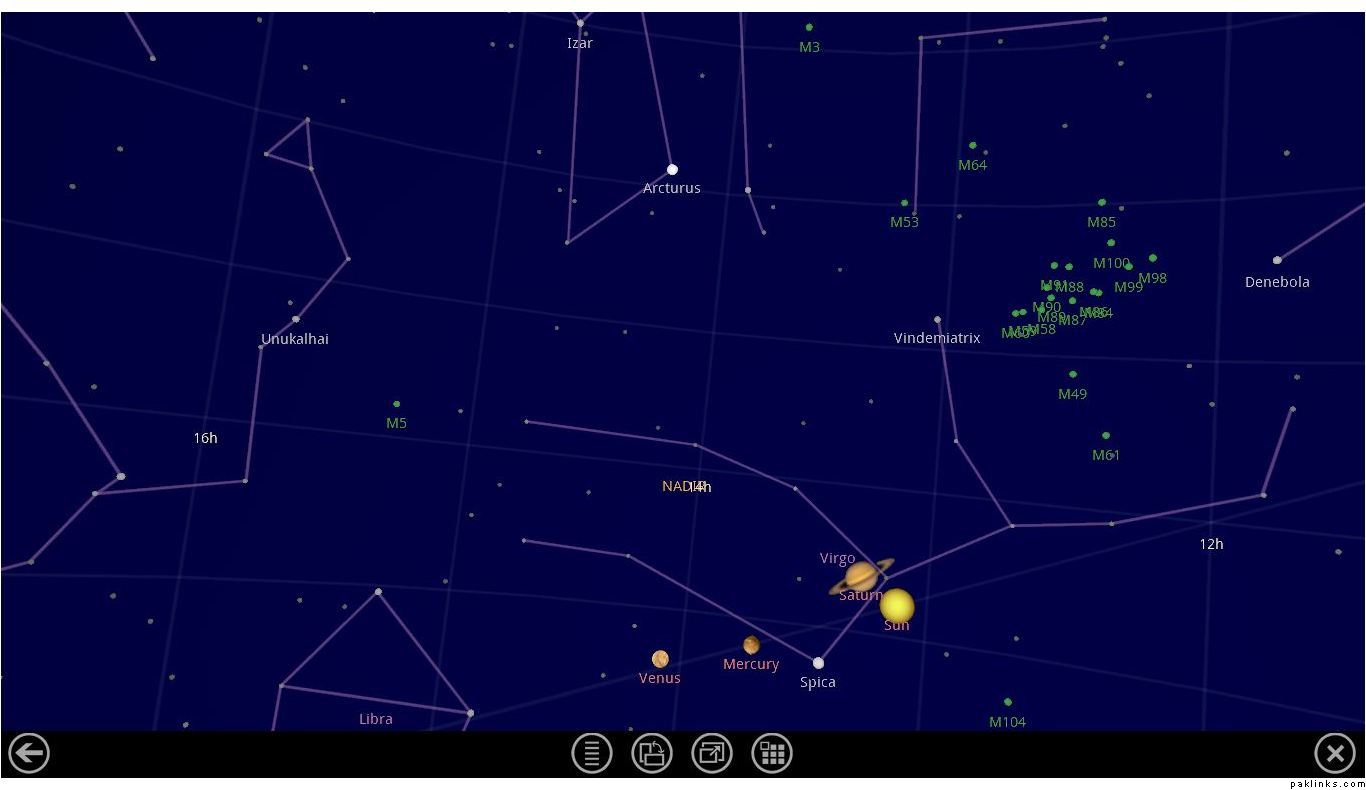
The good features are for the developers so they can test thing out on a bigger screen with keyboard support. For me its providing a good platform to do app writeups on various applications with excellent screenshots. Here are a few of them:

Re: BlueStacks: Android Emulator

My girls use Tom Cat all the time. Badtameez aulaadein…record our conversations and play them back :mad:!

Re: BlueStacks: Android Emulator

Wow Niksik. I barely hit submit and I saw your reply. Are you looking at what I’m doing on my computer :nono:

Re: BlueStacks: Android Emulator

Jee, I have special e-jinns working on it :mad:!

Re: BlueStacks: Android Emulator

Naraaz honay ki koi baat nahin. its good that you look after all of us. :slight_smile:

Re: BlueStacks: Android Emulator

I’m not anyone’s e-amma :snooty:!

Re: BlueStacks: Android Emulator

you are e-baji.

Re: BlueStacks: Android Emulator

lol@e-jinn!

I heard about it end of last month. Havent had the time to try it out yet but soon!

Re: BlueStacks: Android Emulator

You have to get Niksik’s permission as she controls them all.

Re: BlueStacks: Android Emulator

:hmmm: