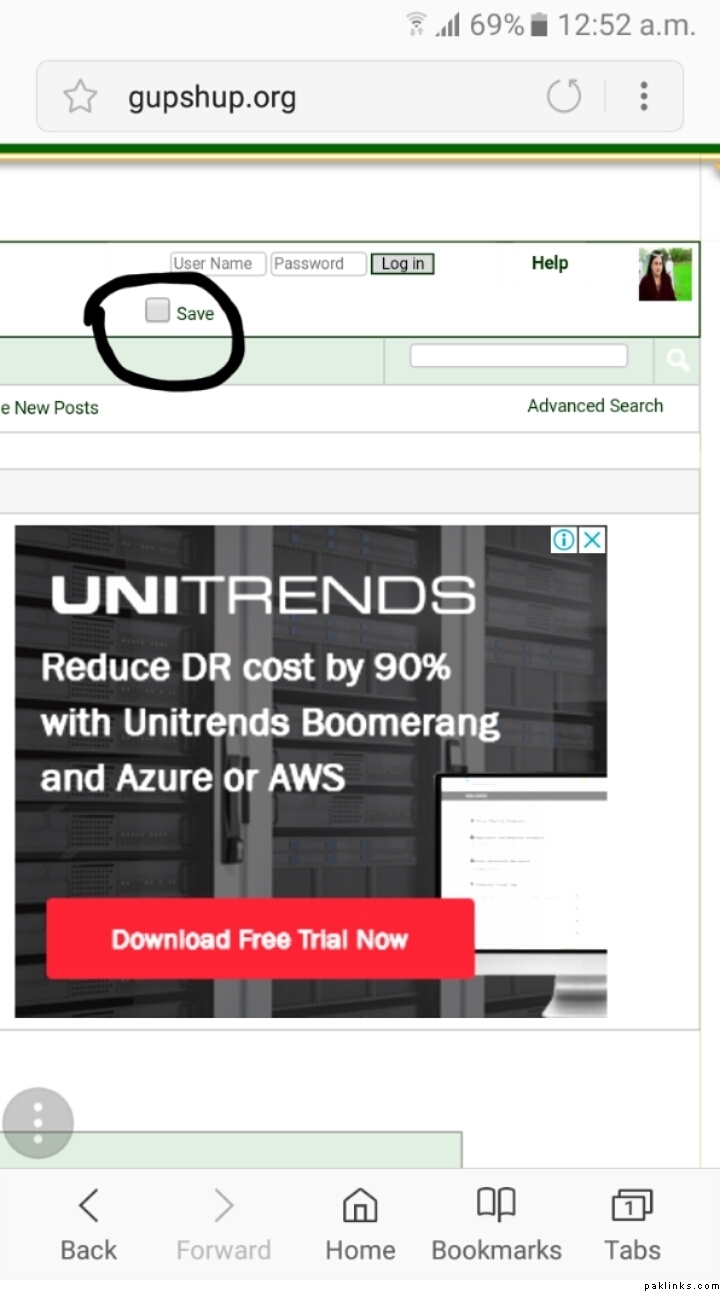
Question, how do you access gs from your phone. The website never opens on my phone and I tried to download the gupshup app but it didn’t work either.
Re: A picture worth thousand words..
8
I have a solution for this…
Whenever you open Gupshup from your mobile browser, the first window will be liike this
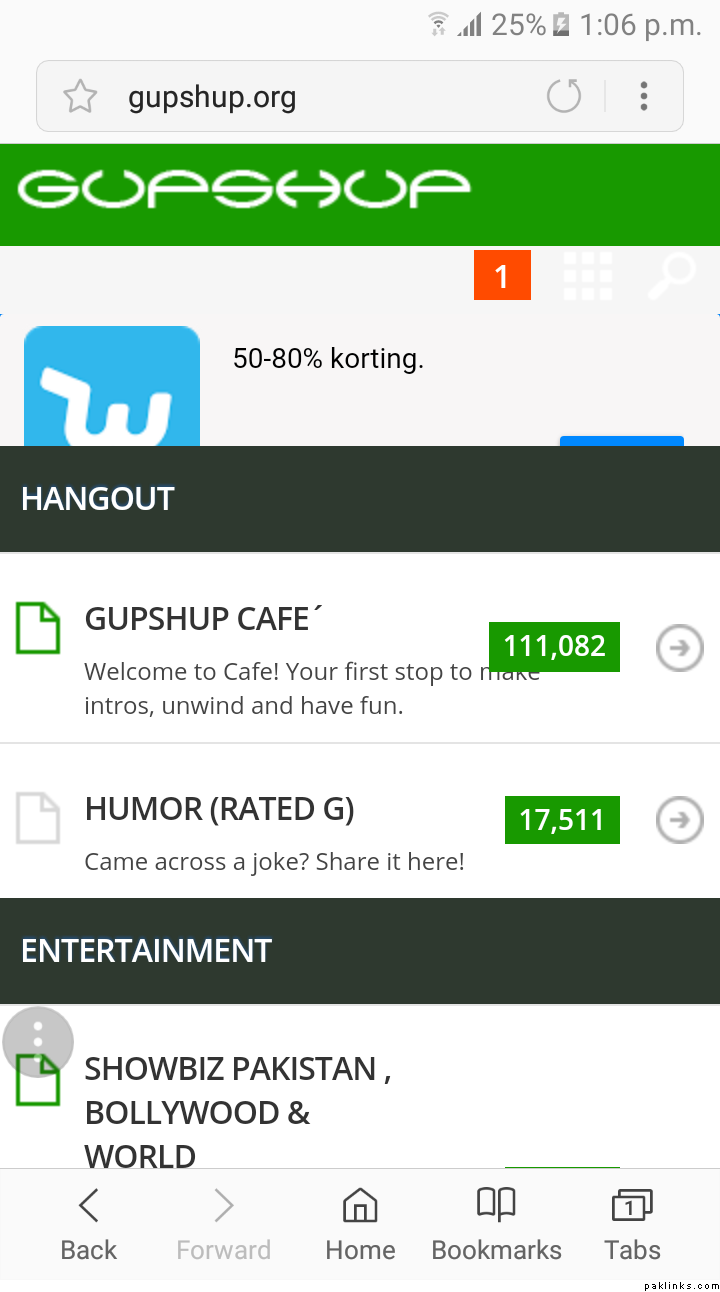
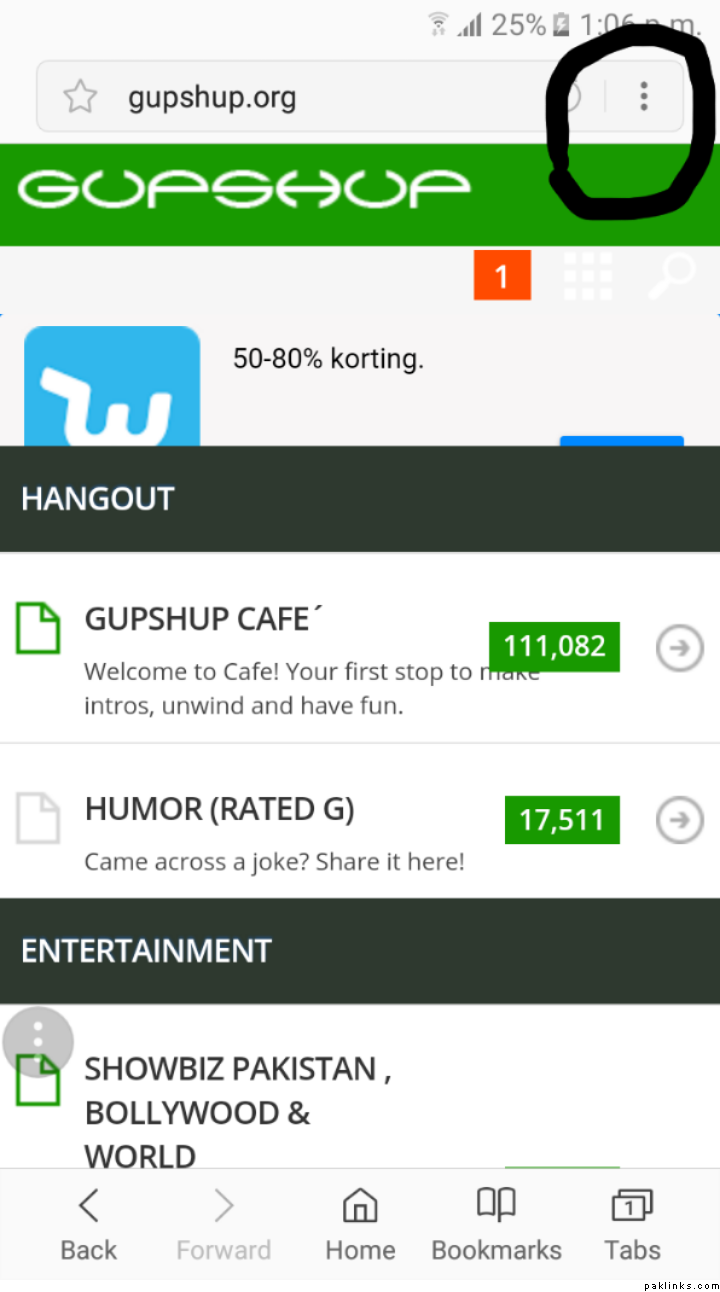
Then click on these three dots on top right side of your mobile screen, there will be an option " request desktop version" …
By clicking “desktop version option” you will have desktop experience on mobile and this style of window will pop up..
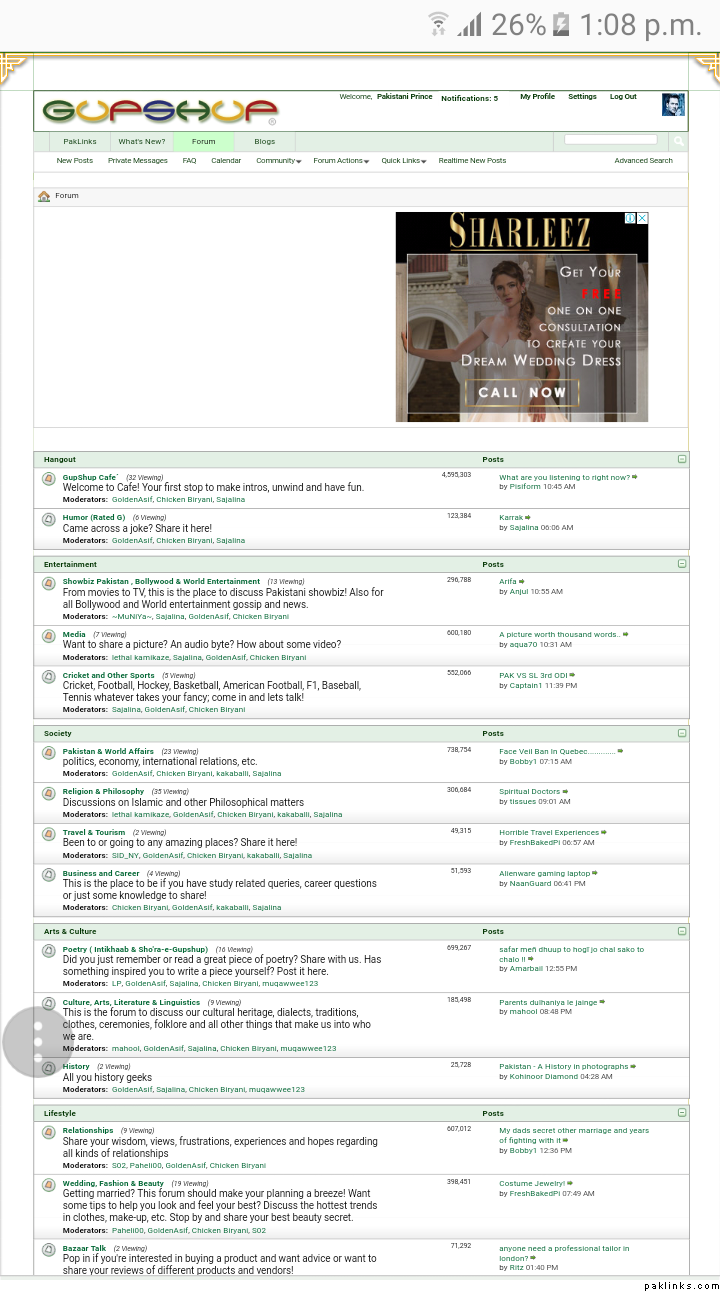
You can Zoom in and zoom out to have a better experience
Then you can click “activity steam” and you will find this type of screen..
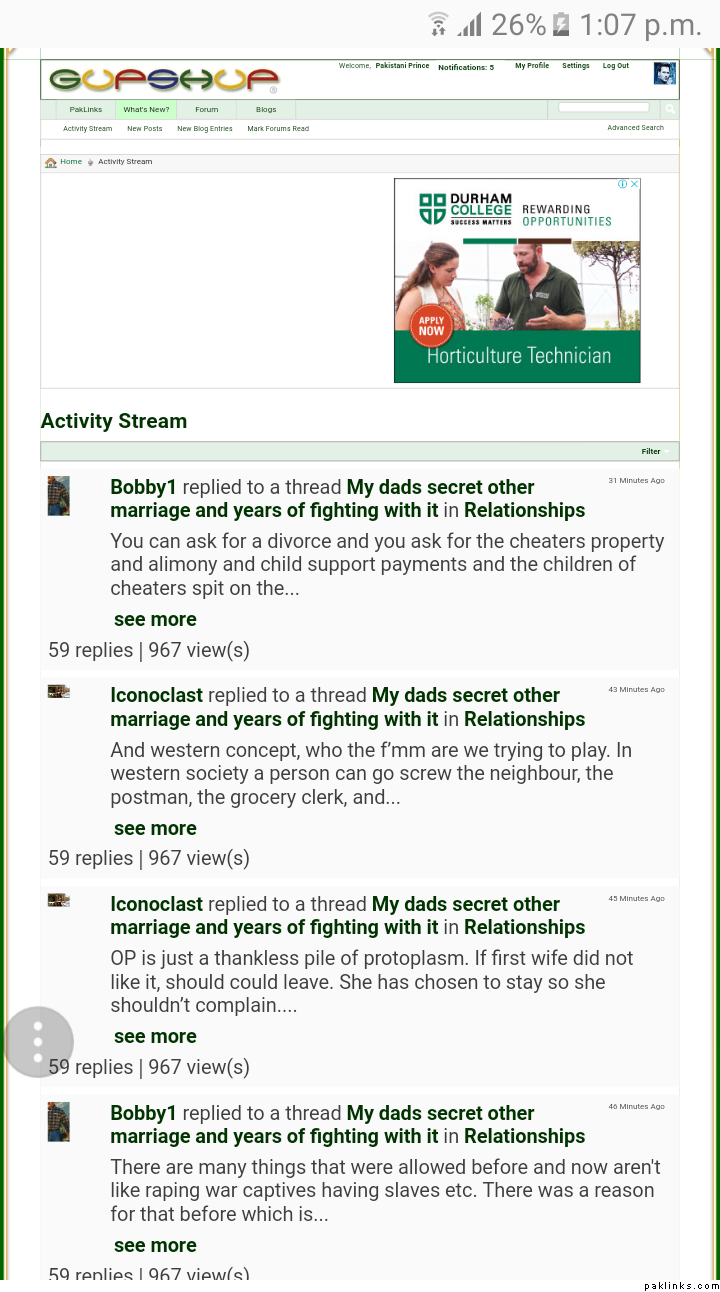
Hope it helps ..
Re: A picture worth thousand words..
The website. It opens fine on my phone. I used tge mobile version until now, PP’s trick worked and I got the desktop version 
Thank you PP. Finally I got it 
Re: A picture worth thousand words..
Been using GS this way for so long.. Why did not you guys ask me about this problem before?
Online problems are just an illusion for me.. Somehow or the other, I always manage to find a way…
Re: A picture worth thousand words..
@Pakistani_Prince is the man!
PP I’m going to move your post to support section so others may benefit too. Thanks again!
Re: A picture worth thousand words..
I used to be able to do that but ever since the domain changed and it is “gupshup.org” now, I can’t access it from my phone at all! If I type in the website, it goes to a blank page… maybe because it is not https so my phone’s security settings doesn’t allow me to access the website, (neither the mobile nor the desktop version) that is the only explanation I can come up with.

Re: A picture worth thousand words..
Omgggggg it worked! Ayeee I just needed to change a setting on my phone. Ok all good now! :biggthumb: Thank you for helping. @Pakistani_Prince
Re: A picture worth thousand words..
Hey Aqua, can you share what settings did you change? I’ll add it up together in the thread for help in mobile. Thanks.
Re: A picture worth thousand words..
Oh I just clicked on the three dots on the upper right hand corner and checked the option of “request desktop site” and that brought me here. Still can’t access mobile version though.
Re: A picture worth thousand words..
Desktop version working?
Re: A picture worth thousand words..
You use pre installed browser na ? Which comes with every android phone…
Re: A picture worth thousand words..
@Pakistani_Prince Yes and Yes. Lol
Re: A picture worth thousand words..
Oh no, do not get me wrong.. Actually I have a solution for mobile version as well .. that’s why i wanted to confirm if you are using pre installed browser…
Re: A picture worth thousand words..
Jazak Allahu Khayran (جزاك اللهُ خيرًا)
finally after many years i got this, i just don’t like mobile version
Re: Accessing GS from cellphone
Why do I keep getting logged out every 2/3 clicks?
Re: Accessing GS from cellphone
^same problem here since three or four days.
Re: Accessing GS from cellphone
Ok could it be something related with browser? Thats the problem some face with desktops.
@Pakistani_Prince any input?
Re: Accessing GS from cellphone
Edit: not in every two or three clicks but very often.
Maybe browser’s or cleaner app’s fault as I found the tick mark at save passowrd blank. I ticked again but after few hours same thing happened.