Re: BRIDAL PICS.
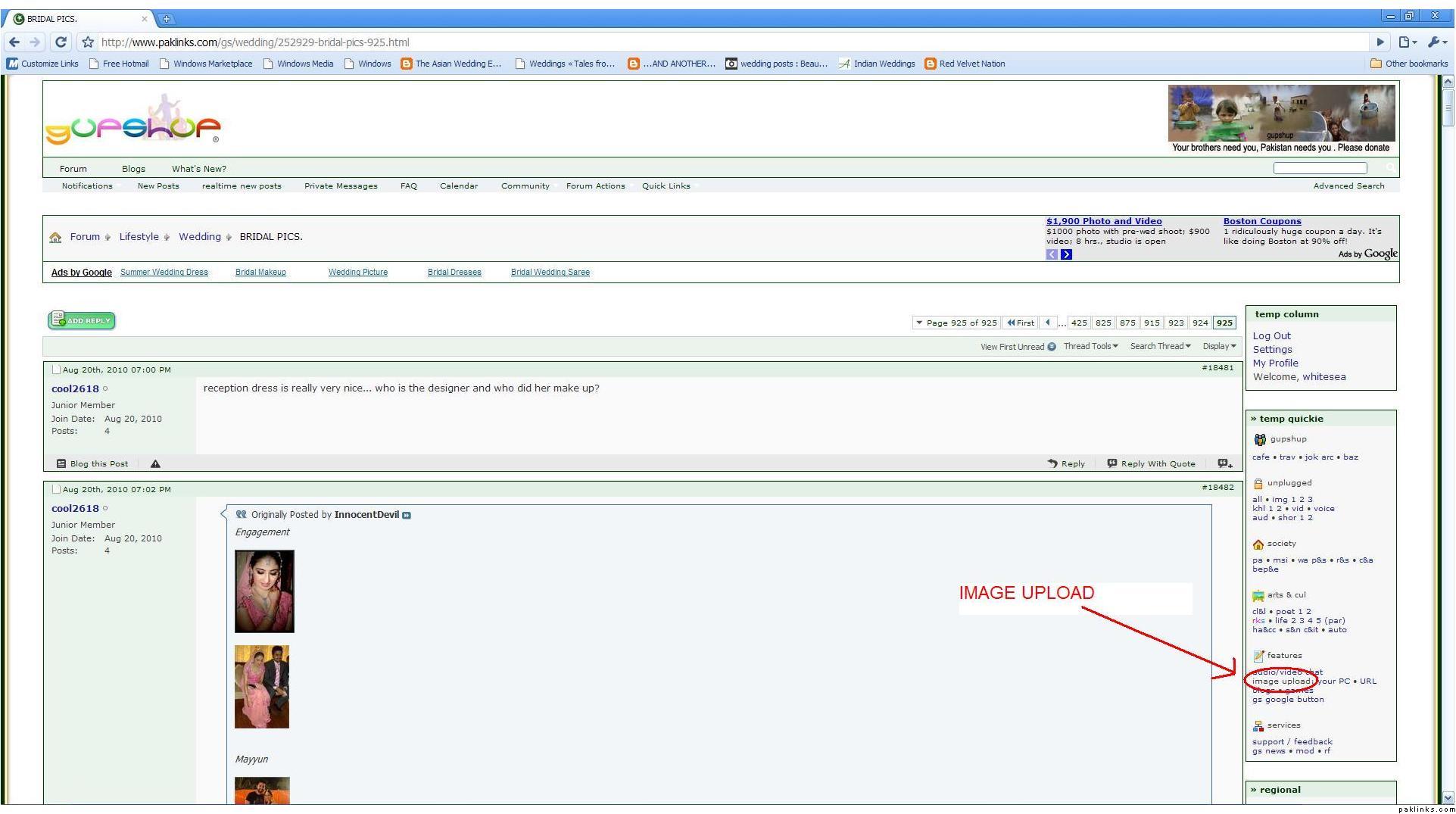
Here is the image uploader, see the pic I hv marked in red. But some thing is gone wrong, its not working some how, so please use the given link.
click here
Re: BRIDAL PICS.
Here is the image uploader, see the pic I hv marked in red. But some thing is gone wrong, its not working some how, so please use the given link.
click here
Re: BRIDAL PICS.
since the new format… even dis links not workin 4 me.. 
i cnt click the browse button 4 some reason
Re: BRIDAL PICS.
***
Right beside the image upload you can see two buttons: your PC and URL.
Click the Your PC button to upload a pic from your PC. (It will upload the image uploader)
image upload: your PC • URL
-Once you click, the following window will pop up

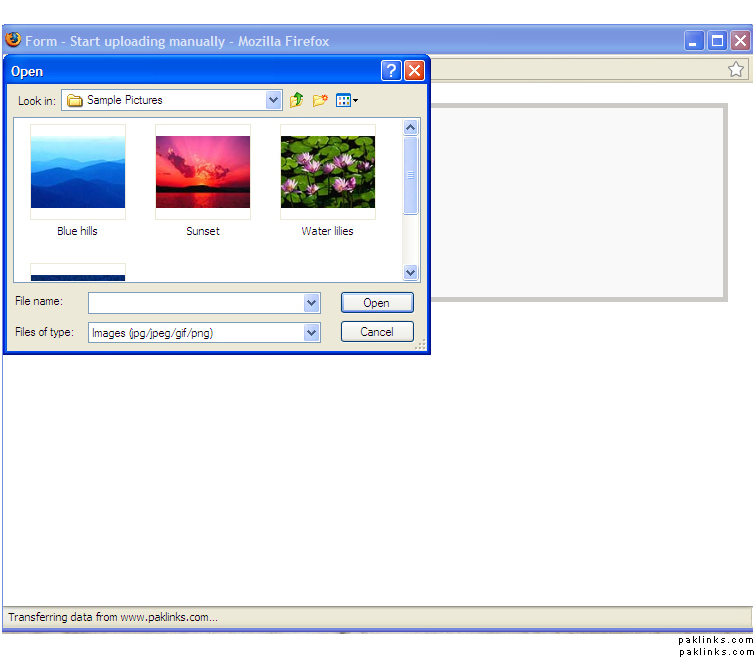
-Image upload will take some while.
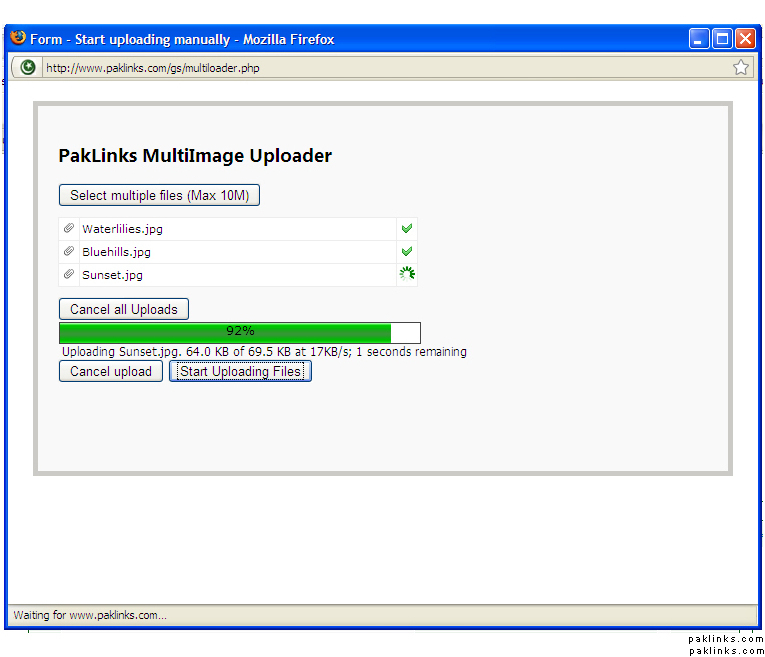
-After all your files are uploaded on the GS server, click on COPY. It will copy the image code which you can paste (Ctrl+V) in your post. Then submit your message.
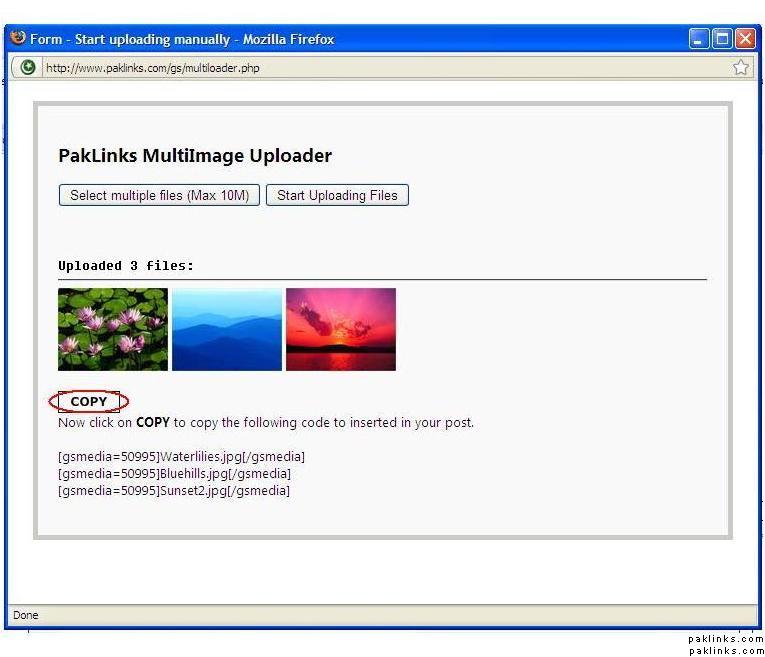
and your are done!  Enjoy posting images.
Note:
File names should not have any space or your images will not show up
jpg .gif .png .jpeg are the allowed file extentions for images
Save pics with different names and not just numbers otherwise old uploaded pic would be overlapped.
Pic names should be short.
Re: BRIDAL PICS.
pics nazer nahe a raheen
Re: BRIDAL PICS.
kar rai hn lakin show nai ho rai plz hel m3
Re: BRIDAL PICS.
just copy paste the links directly into your post, with no spaces or dashes in the names.
Re: How do u attach a picture to a thread?
i dont know why my image upload privilege has taken away from me… i never have uploaded any bad pic or misused anything then why this ??? its a major turn off
Re: BRIDAL PICS.
hey dear change your pics names and make sure there are no spaces in the names of your pics, give them the short names
ps : space , brackets () ] in your pics name wont upload properly & pics wont show up.
Re: How do u attach a picture to a thread?
I hope this will solve the issue, IA
http://www.paklinks.com/gs/wedding/447771-uploading-images-guidelines.html
Re: How do u attach a picture to a thread?
how many posts does one ought to have to be able to post bridal pics?
Re: How do u attach a picture to a thread?
There was a 25 posts limit. You have enough posts.
Re: How do u attach a picture to a thread?
***Post your comlaints here if you still can’t post pics:
http://www.paklinks.com/gs/gs-support-help/447660-y-i-m-not-able-to-upload-pictures.html***
Re: How do u attach a picture to a thread?
http://www.paklinks.com/gs/wedding/447771-uploading-images-guidelines.html
Re: ??whos the designer??
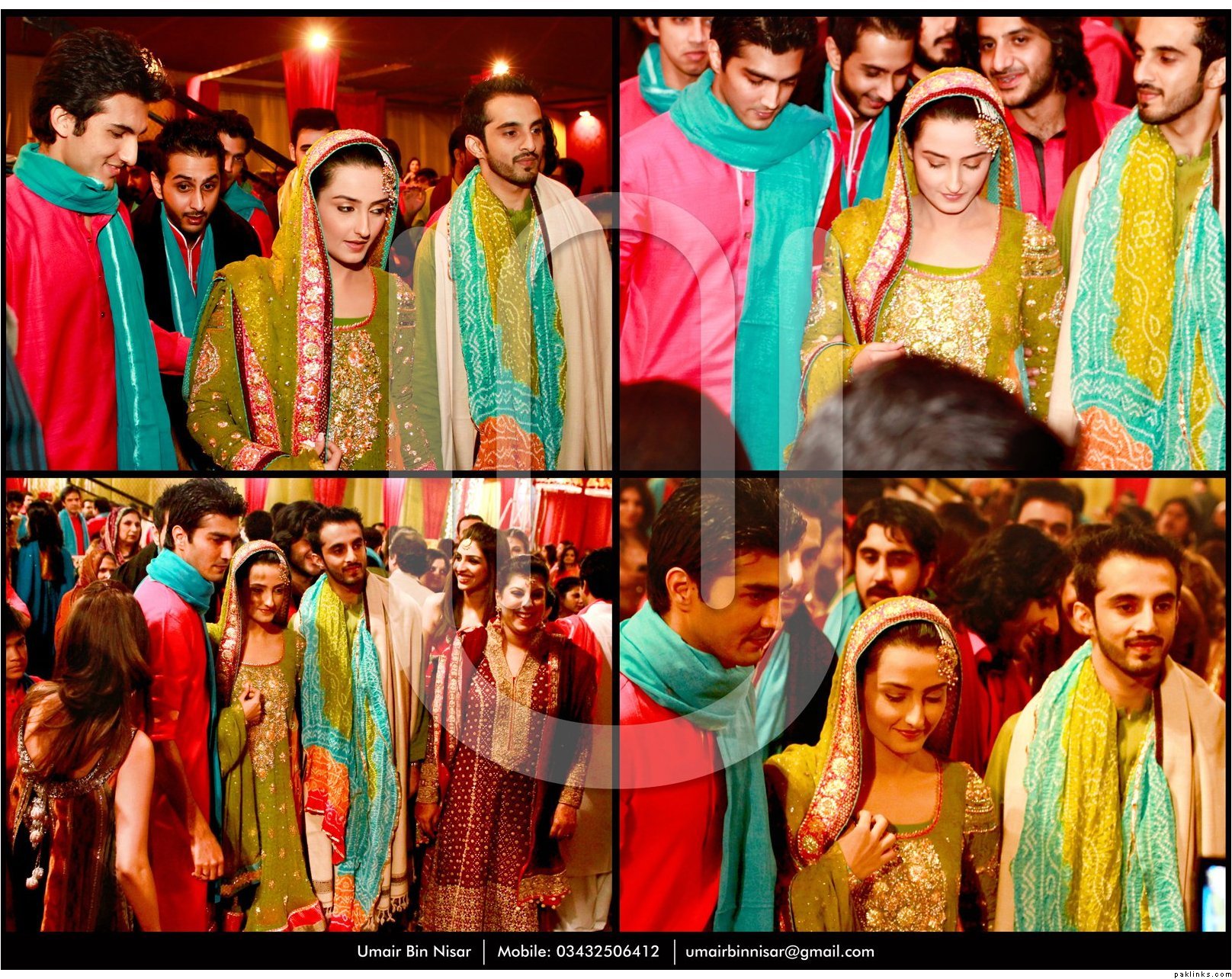


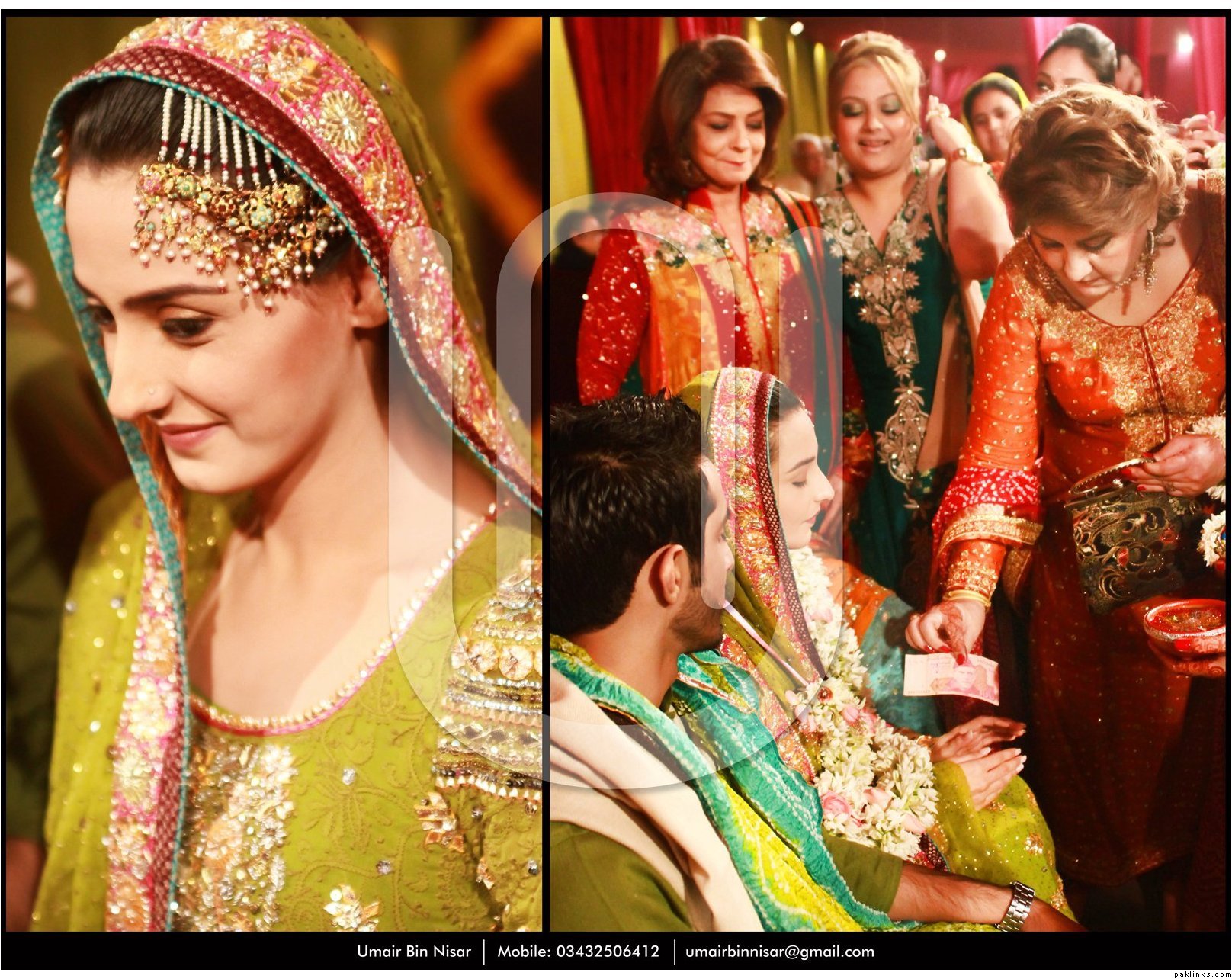

Re: ??whos the designer??
why arent the pictures posting :s??
Re: ??whos the designer??
hm maybe try renaming the files?
Re: ??whos the designer??
remove spaces from file name.
Re: ??whos the designer??
yar ur pics are nt working…cnt open dese
Re: ??whos the designer??
I think you need 25 posts to post pics.
Re: ??whos the designer??
Hrm… remove the underscores from the file names and try again… but yes, you do have to wait until you reach 25 posts also.